

Compare the best AI proofing software for photographers. Discover platforms with client proofing, favorites, approvals, gallery automation, print sales, and secure online photo delivery.
Table of Contents
Introduction
Selecting the best photos from a photography session is an important part of the client experience. Whether you’re delivering a wedding gallery with over 1,000 images, a portrait session, or a commercial project, clients often need an easy way to review, compare, and approve their favorite photographs before albums are designed, prints are ordered, or final edits are completed.
While generic file-sharing services can deliver photos, they rarely provide the tools photographers need for professional proofing. Clients may struggle to communicate their selections, photographers may spend hours organizing feedback, and long email threads can slow down the entire workflow.
This is where AI proofing software for photographers becomes valuable. Modern proofing platforms combine online galleries, client approvals, favorites, comments, image selection, workflow automation, and business tools into one streamlined solution. Some platforms also incorporate artificial intelligence to help organize galleries, automate repetitive tasks, improve search functionality, and simplify client communication throughout the proofing process.
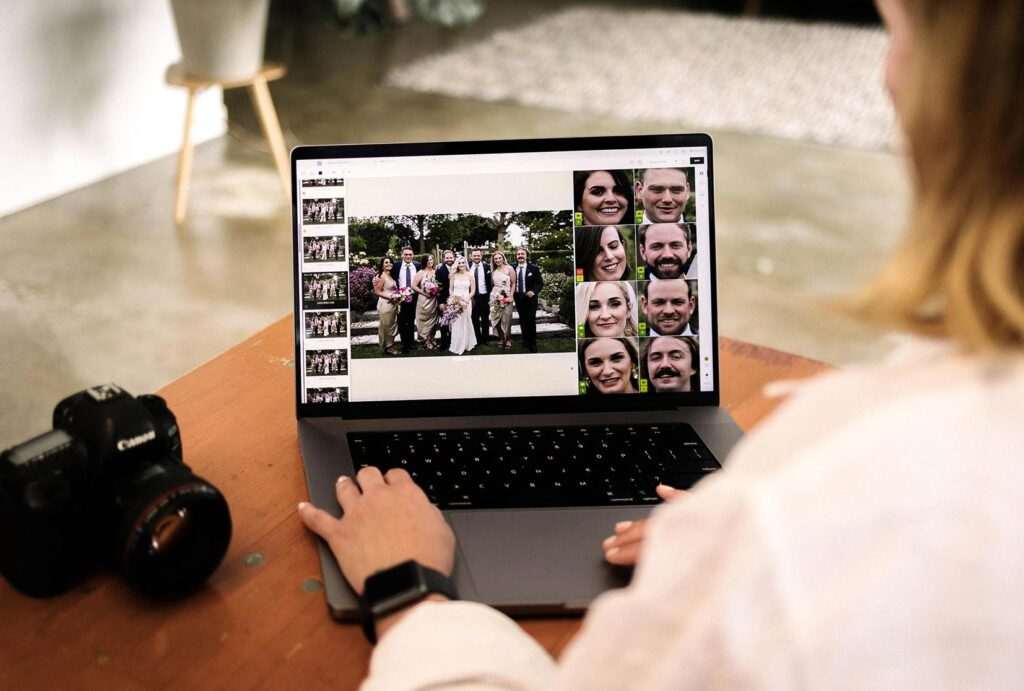
Whether you’re a wedding photographer managing album selections, a portrait photographer delivering family sessions, or a commercial photographer collecting client approvals, AI-powered proofing software helps create a faster, more organized, and professional review experience.
If you’re exploring how artificial intelligence is transforming photography workflows, read our AI Photography Guide, where we cover AI-powered editing, workflow automation, gallery management, client delivery, and business tools for photographers.
In this guide, we’ll compare the best AI proofing software for photographers, examining their features, pricing, automation capabilities, proofing tools, integrations, and ideal use cases to help you choose the right platform for your photography business.
Quick Answer
If you’re searching for the best AI proofing software for photographers, Pixieset is the top overall choice thanks to its intuitive proofing tools, client favorites, gallery branding, print store integration, and seamless user experience. Pic-Time is an excellent option for photographers focused on print sales and automated marketing, while ShootProof, CloudSpot, Sprout Studio, Zenfolio, and PASS Gallery each offer unique strengths for different photography workflows.
What You’ll Learn
In this guide, you’ll discover:
- What AI proofing software is.
- How AI improves the client photo review process.
- The best AI-powered proofing platforms in 2026.
- Which software is best for weddings, portraits, events, and commercial photography.
- How to choose proofing software that fits your workflow.
- The advantages of AI-assisted gallery management and client approvals.
Quick Comparison Table
| Software | Best For | AI Features | Client Proofing | Print Sales | Mobile Friendly |
|---|---|---|---|---|---|
| Pixieset | Overall | ✅ | ✅ | ✅ | ✅ |
| Pic-Time | Print sales & automation | ✅ | ✅ | ✅ | ✅ |
| ShootProof | Wedding & portrait | Limited | ✅ | ✅ | ✅ |
| CloudSpot | Client experience | ✅ | ✅ | Optional | ✅ |
| Sprout Studio | Business workflow | ✅ | ✅ | Optional | ✅ |
| Zenfolio | All-in-one business tools | Limited | ✅ | ✅ | ✅ |
| PASS Gallery | Event photographers | Limited | ✅ | Optional | ✅ |
Why AI Proofing Software Matters
Photo proofing is more than simply sharing finished images. It is a collaborative stage where photographers and clients work together to identify the photographs that matter most.
Professional proofing software helps photographers:
- Deliver organized online galleries.
- Allow clients to mark favorite images.
- Collect comments and feedback.
- Simplify album selections.
- Track client approvals.
- Manage download permissions.
- Sell prints and digital products.
- Reduce repetitive administrative work.
AI-powered features further improve this process by helping photographers organize galleries, automate reminders, streamline communication, and create a smoother client experience.
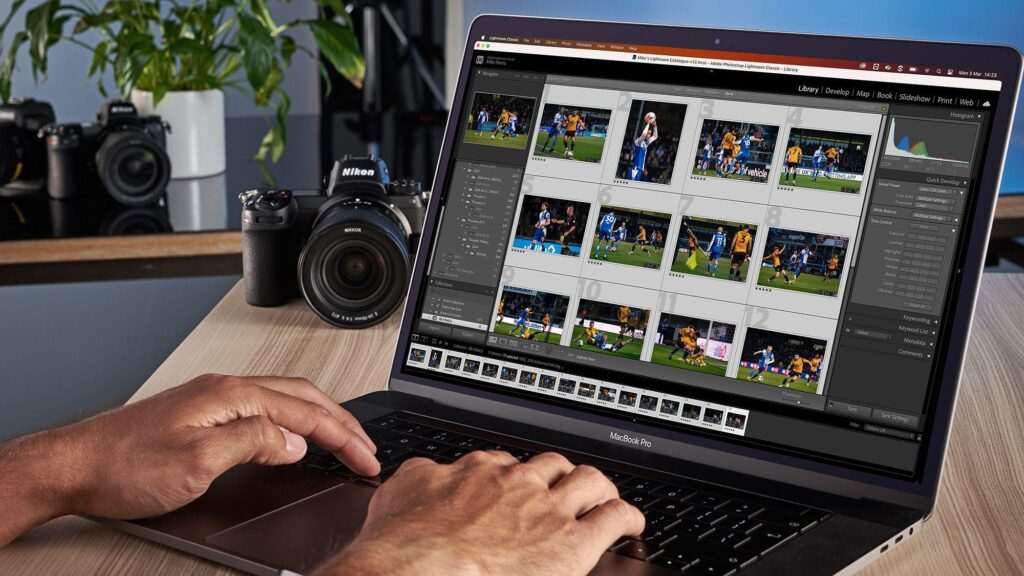
Who Should Use AI Proofing Software?
AI proofing software is valuable for photographers across many specialties.
Wedding Photographers
Couples often review hundreds or thousands of wedding photos before selecting images for albums, wall art, or thank-you cards. Proofing software makes this process easier by allowing favorites, comments, and organized selections.
Portrait Photographers
Portrait and family photographers can share secure galleries where clients review images, choose favorites, and purchase prints without relying on lengthy email conversations.
Event Photographers
Corporate events, sports tournaments, schools, and private celebrations frequently involve large image collections. Online proofing helps participants quickly locate, review, and approve photographs.
Commercial Photographers
Businesses and creative agencies often require multiple stakeholders to review and approve marketing images. Proofing software centralizes feedback while maintaining organized communication.
Photography Studios
Studios managing several photographers or editors benefit from consistent proofing workflows, centralized client communication, and streamlined gallery management.
Benefits of Using AI Proofing Software
Modern proofing platforms offer far more than image delivery.
Some of the biggest benefits include:
- Faster client approvals
- Professional online galleries
- Organized image selections
- Secure file sharing
- Simplified album design workflow
- Reduced email communication
- Automated reminders
- Print sales opportunities
- Better client experience
- Centralized workflow management
These capabilities help photographers deliver a polished client experience while reducing administrative tasks.
Read More Articles:
- AI Client Gallery Platforms
- AI Studio Management Software for Photographers
- AI Photo Culling Software
- AI Keywording Software for Photographers
- AI Facial Recognition Software for Photo Libraries
- AI Image Enhancement Tools
- Best AI Tools for Photographers
Practical Workflow: After editing a wedding gallery, a photographer uploads the final images to an online proofing platform. The couple reviews the gallery, marks favorite images for their album, requests minor changes where needed, and approves the final selections. The photographer can then begin album design with clear client feedback, reducing unnecessary revisions and streamlining the delivery process.
What Is AI Proofing Software?
AI proofing software is a specialized platform that helps photographers present images to clients for review, selection, comments, and approval while using artificial intelligence and workflow automation to simplify repetitive tasks. Unlike generic file-sharing services, proofing software is designed specifically for photography businesses, combining online galleries, image selection tools, client communication, print ordering, and project management into a single platform.
In a traditional workflow, photographers often rely on email exchanges, spreadsheets, or messaging apps to track image selections. This process can become time-consuming and difficult to manage, especially for weddings, events, or commercial projects involving hundreds of photographs.
AI-powered proofing platforms streamline this process by organizing galleries, allowing clients to mark favorites, submit feedback, compare images, and approve selections within one secure environment. Some platforms also use AI-assisted features to improve gallery organization, automate reminders, and enhance the overall proofing experience.

Rather than replacing the photographer’s creative judgment, AI supports administrative tasks so professionals can focus on editing, storytelling, and client relationships.
How AI Proofing Software Works
Although every platform has its own interface and workflow, most follow a similar process from upload to final approval.
Step 1: Upload Your Edited Photos
After completing image editing in software such as Adobe Lightroom or Photoshop, photographers upload the finished images to their proofing platform.
Most platforms support:
- JPEG galleries
- High-resolution image delivery
- Web-optimized previews
- Organized folders
- Multiple client galleries
- Batch uploads
Some platforms also integrate directly with editing software or cloud storage services, making uploads more efficient.
Step 2: AI Helps Organize the Gallery
Depending on the software, AI may assist with organizing and presenting the gallery by:
- Grouping similar images
- Organizing collections
- Improving image search
- Detecting duplicate uploads
- Managing metadata
- Suggesting featured images
These features help photographers manage large galleries more efficiently while creating a cleaner experience for clients.
Step 3: Customize the Client Gallery
Professional proofing software allows photographers to personalize the gallery before sharing it.
Common customization options include:
- Business logo
- Brand colors
- Custom layouts
- Welcome messages
- Password protection
- Watermarks
- Download permissions
Branding creates a more professional experience and reinforces your photography business throughout the proofing process.
Step 4: Share the Gallery Securely
Once the gallery is ready, photographers can deliver it using:
- Secure gallery links
- Password-protected access
- Client accounts
- Email invitations
- QR codes (supported by some platforms)
These access controls help ensure that only authorized users can view or download the photographs.
Step 5: Client Reviews the Images
This is where proofing software offers significant advantages over traditional file-sharing methods.
Clients can typically:
- Mark favorite images
- Approve final selections
- Leave comments
- Compare photographs
- Build collections
- Select album images
- Request changes where supported
This centralized feedback process reduces confusion and minimizes lengthy email conversations.
Step 6: Photographer Reviews Client Feedback
Once the client completes the review, the photographer can:
- View selected favorites
- Download selection lists
- Track approvals
- Begin album design
- Complete requested edits
- Finalize image delivery
Everything remains organized within the same platform, making it easier to manage multiple clients simultaneously.
Step 7: Final Delivery & Print Orders
Many proofing platforms continue supporting photographers after approvals are complete.
Clients may also:
- Download approved images
- Purchase professional prints
- Order albums
- Buy wall art
- Share galleries with family members
Some platforms integrate directly with professional print labs to automate order fulfillment.
Why Photographers Need AI Proofing Software
Proofing is one of the most collaborative stages of the photography workflow. The right platform can improve communication while reducing administrative workload.
1. Faster Client Approvals
Instead of collecting image numbers through multiple emails, clients simply mark their favorite photographs directly inside the gallery.
This creates a faster and more organized approval process.
2. Better Client Experience
Professional online proofing creates a polished experience from beginning to end.
Clients appreciate:
- Easy navigation
- Mobile-friendly galleries
- Clear image selection tools
- Secure downloads
- Professional presentation
A positive proofing experience can strengthen client satisfaction and encourage referrals.
3. Simplified Album Design
Wedding photographers often use proofing software to collect album selections before starting the design process.
Instead of manually organizing hundreds of image requests, favorite selections are already organized inside the gallery.
4. Reduce Administrative Work
Automation features help photographers spend less time on repetitive tasks.
Many platforms support:
- Reminder emails
- Gallery expiration notifications
- Automated client communication
- Workflow tracking
- Activity monitoring
These tools reduce manual follow-up while keeping photographers informed.

5. Increase Print Sales
Many proofing platforms include integrated online stores where clients can purchase:
- Prints
- Albums
- Canvas products
- Wall art
- Digital downloads
Some software also automates print marketing campaigns to encourage additional purchases after gallery delivery.
6. Improve Organization
Managing multiple weddings or portrait sessions becomes much easier when every gallery, proofing request, and client approval is stored in one centralized system.
This reduces the risk of losing feedback or mixing up client selections.
7. Strengthen Professional Branding
Branded galleries reinforce your business identity throughout the client journey.
Features often include:
- Custom logos
- Brand colors
- Personalized domains
- Welcome messages
- Custom gallery designs
These details help create a consistent and memorable client experience.
Key Features to Look For
When comparing AI proofing software, prioritize features that improve both photographer workflow and client usability.
Look for:
- AI-assisted gallery organization
- Client favorites
- Image approvals
- Comments and feedback
- Album selections
- Password protection
- Secure downloads
- Print store integration
- Watermark controls
- Branding customization
- Mobile optimization
- Workflow automation
- CRM integration
- Activity tracking
- Analytics and reporting
The best proofing software should simplify collaboration while maintaining a secure and professional experience.
Real-World Workflow Example
Imagine a wedding photographer delivering a gallery containing 900 edited photographs.
Rather than asking the couple to email image numbers for their wedding album, the photographer uploads the gallery to an online proofing platform.
The couple receives a branded gallery where they browse photographs on their computer, tablet, or smartphone. They mark favorite images, leave comments on specific photos, and finalize their album selections directly within the gallery.
The photographer receives an organized list of approved images, begins the album design, and sends a preview for final confirmation. Once approved, the gallery remains available for downloading digital files and ordering additional prints.
By centralizing communication and automating routine tasks, proofing software helps photographers spend less time managing feedback and more time focusing on creative work.
Who Should Use AI Proofing Software?
AI proofing software is valuable for photographers across nearly every specialization.
Wedding Photographers
Simplify album selections, collect favorites, and streamline communication with couples.
Portrait Photographers
Allow families and individuals to review galleries, approve images, and purchase prints.
Event Photographers
Share large galleries with participants while keeping image selection organized.
Commercial Photographers
Collect feedback from marketing teams, agencies, and corporate clients in one centralized location.
Photography Studios
Manage multiple proofing projects, editors, and photographers while maintaining consistent client workflows.
Read More articles:
- AI Photography Guide
- AI Client Gallery Platforms
- AI Studio Management Software for Photographers
- AI Photo Culling Software
- AI Keywording Software for Photographers
- AI Facial Recognition Software for Photo Libraries
- AI Image Enhancement Tools
- Best AI Tools for Photographers
Practical Insight: Proofing software is most effective when it complements an organized photography workflow. Clear gallery organization, thoughtful communication, and timely follow-ups remain essential. AI helps automate repetitive administrative tasks, but photographers still make the creative decisions that shape the final client experience.
Best AI Proofing Software for Photographers
The best AI proofing software helps photographers simplify client reviews, organize image selections, collect approvals, and streamline gallery delivery. Instead of managing long email conversations or spreadsheets, photographers can provide clients with a professional online gallery where they can mark favorites, leave comments, approve images, and purchase prints.
Below are the best AI-powered proofing platforms for photographers in 2026.
1. Pixieset – Best Overall AI Proofing Software
Pixieset is one of the most popular proofing platforms among photographers because it combines beautiful client galleries with intuitive proofing tools, business management features, online stores, and website integration.
Its clean interface makes reviewing images simple for clients while giving photographers complete control over gallery presentation and workflow.
Key Features
- AI-assisted gallery organization
- Client favorites
- Image proofing
- Password-protected galleries
- Digital downloads
- Online print store
- Custom branding
- Mobile-friendly galleries
- Studio Manager integration
- Website builder
Pros
- Extremely user-friendly
- Professional gallery presentation
- Excellent client experience
- Strong branding options
- Integrated business tools
Cons
- Premium features require paid plans
- Limited customization on entry-level plans
Best For: Wedding, portrait, family, and event photographers.
2. Pic-Time – Best for Print Sales & Automated Marketing
Pic-Time combines professional proofing galleries with automated marketing tools that help photographers increase print sales after gallery delivery.
Its intelligent workflow automation sends personalized reminders and product promotions while giving clients an elegant gallery experience.
Key Features
- AI-assisted gallery organization
- Automated print marketing
- Favorites and approvals
- Online print store
- Album selections
- Smart gallery presentation
- Automated reminders
- Mobile galleries
Pros
- Outstanding print sales automation
- Beautiful gallery design
- Excellent customer experience
- Strong marketing features
Cons
- Premium automation requires higher plans
- Advanced settings take time to configure
Best For: Wedding photographers focused on increasing print and album sales.
3. ShootProof – Best for Wedding & Portrait Photography
ShootProof remains one of the most trusted proofing platforms for photographers thanks to its balance of simplicity and professional functionality.
It combines secure galleries, proofing tools, contracts, invoices, and print sales into one photography-focused platform.
Key Features
- Client proofing
- Favorites
- Online contracts
- Digital downloads
- Print fulfillment
- Password protection
- Mobile galleries
- Business tools
Pros
- Easy to learn
- Reliable proofing features
- Strong photography workflow
- Professional presentation
Cons
- Fewer AI-driven features than newer competitors
- Limited design flexibility
Best For: Portrait, wedding, newborn, and family photographers.

4. CloudSpot – Best Client Experience
CloudSpot focuses on creating modern client galleries with intuitive navigation and efficient proofing workflows.
Its branding options and workflow automation help photographers deliver a polished client experience while reducing administrative work.
Key Features
- AI-assisted workflow tools
- Online galleries
- Client proofing
- Gallery branding
- Secure downloads
- Print support
- Gallery analytics
- Mobile optimization
Pros
- Beautiful gallery presentation
- Easy client navigation
- Strong branding
- Modern interface
Cons
- Smaller ecosystem than some competitors
- Certain advanced features require premium plans
Best For: Photographers prioritizing premium client experiences.
5. Sprout Studio – Best Integrated Photography Workflow
Sprout Studio combines proofing galleries with CRM, contracts, invoices, scheduling, questionnaires, and workflow management.
Rather than functioning only as gallery software, it supports the complete photography business workflow.
Key Features
- Client proofing
- CRM integration
- Workflow automation
- Scheduling
- Contracts
- Invoicing
- Online galleries
- Client questionnaires
Pros
- Excellent all-in-one solution
- Photography-focused
- Strong workflow automation
- Business management included
Cons
- Learning curve for beginners
- Higher subscription cost than gallery-only platforms
Best For: Professional photographers wanting one platform for business management and proofing.
6. Zenfolio – Best Business & Gallery Platform
Zenfolio combines online galleries, proofing, websites, bookings, print sales, and photography business management.
Its integrated approach makes it attractive for photographers wanting to reduce the number of software subscriptions they manage.
Key Features
- Online galleries
- Client proofing
- Print sales
- Website builder
- Booking management
- Scheduling
- Business dashboard
- Workflow organization
Pros
- Comprehensive platform
- Business management tools
- Reliable print sales
- Photography-specific features
Cons
- Interface feels dated in some areas
- Limited AI automation compared to newer platforms
Best For: Photographers wanting gallery delivery and business management together.
7. PASS Gallery – Best for Event Photography
PASS Gallery specializes in fast delivery for weddings, sports, schools, and large-scale events.
Its streamlined interface helps photographers manage high-volume galleries while making image selection simple for clients.
Key Features
- Client galleries
- Favorites
- Online proofing
- Digital downloads
- Password protection
- Gallery organization
- Sharing tools
- Mobile galleries
Pros
- Excellent event workflow
- Easy client access
- Fast gallery delivery
- Mobile-friendly
Cons
- Smaller feature set than larger competitors
- Limited workflow automation
Best For: Event, school, sports, and volume photographers.
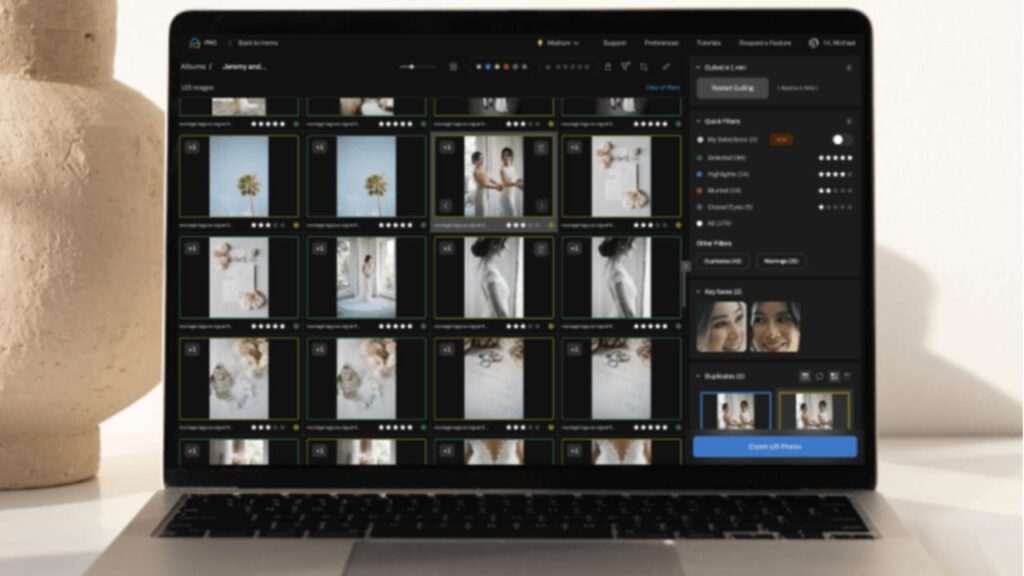
AI Features Comparison
| Software | AI Organization | Client Proofing | Workflow Automation | Print Sales | Branding |
|---|---|---|---|---|---|
| Pixieset | ⭐⭐⭐⭐⭐ | ✅ | ✅ | ✅ | ✅ |
| Pic-Time | ⭐⭐⭐⭐⭐ | ✅ | ✅ | ✅ | ✅ |
| ShootProof | ⭐⭐⭐☆☆ | ✅ | Limited | ✅ | ✅ |
| CloudSpot | ⭐⭐⭐⭐☆ | ✅ | ✅ | Optional | ✅ |
| Sprout Studio | ⭐⭐⭐⭐☆ | ✅ | ✅ | Optional | ✅ |
| Zenfolio | ⭐⭐⭐☆☆ | ✅ | Limited | ✅ | ✅ |
| PASS Gallery | ⭐⭐☆☆☆ | ✅ | Limited | Optional | ✅ |
Pricing & Free Trial Comparison
| Software | Free Trial / Plan | Pricing Model |
|---|---|---|
| Pixieset | ✅ Free Plan | Monthly / Annual |
| Pic-Time | ✅ Free Plan | Subscription with storage tiers |
| ShootProof | ✅ Free Trial | Monthly / Annual |
| CloudSpot | ✅ Trial Available | Subscription Plans |
| Sprout Studio | ✅ Free Trial | Monthly / Annual |
| Zenfolio | ✅ Trial Available | Monthly / Annual |
| PASS Gallery | ✅ Trial Available | Subscription Plans |
Note: Pricing and available features change periodically. Always review each provider’s official website before making a purchasing decision.
Which AI Proofing Software Is Best?
Choosing the right proofing software depends on your photography business and client workflow.
- Best Overall: Pixieset
- Best for Print Sales: Pic-Time
- Best for Wedding & Portrait Photography: ShootProof
- Best Client Experience: CloudSpot
- Best Business Workflow: Sprout Studio
- Best All-in-One Business Platform: Zenfolio
- Best for Event Photography: PASS Gallery
If your priority is a polished client experience with excellent proofing, branding, and gallery delivery, Pixieset remains one of the strongest overall choices. Photographers who want to maximize print revenue may prefer Pic-Time, while those looking for integrated business management should consider Sprout Studio or Zenfolio.
AI Proofing Software vs Traditional Photo Selection
Before dedicated proofing platforms became popular, photographers often relied on email attachments, spreadsheets, messaging apps, or cloud storage links to collect image selections from clients. While these methods may work for smaller projects, they can become inefficient when managing hundreds of photographs, multiple revisions, or several clients simultaneously.
AI proofing software centralizes the review process, making it easier for clients to select favorites, leave comments, approve images, and order prints while helping photographers automate repetitive administrative tasks.
Comparison Table
| Feature | AI Proofing Software | Traditional Photo Selection |
|---|---|---|
| Client Favorites | ✅ Built-in | ❌ Manual lists |
| Image Comments | ✅ Supported | ❌ Email conversations |
| Album Selections | ✅ Organized | ❌ Manual tracking |
| Gallery Branding | ✅ Customizable | ❌ Generic file sharing |
| Secure Downloads | ✅ Password protection | Limited |
| Print Ordering | ✅ Integrated | ❌ Separate process |
| Workflow Automation | ✅ Available | ❌ Manual |
| Mobile Experience | ✅ Optimized | Depends on platform |
Which Approach Is Better?
For photographers managing regular client work, AI proofing software provides a more efficient and professional experience than traditional image selection methods. Clients can review photographs on any device, submit organized feedback, and complete selections faster, while photographers spend less time managing administrative tasks.
Traditional methods may still work for very small projects, but dedicated proofing platforms offer greater scalability and a better overall client experience.
How to Choose the Best AI Proofing Software
Every photographer has different workflow requirements. Choosing the right platform depends on the type of photography you specialize in and the features your clients need most.
1. Prioritize an Excellent Client Experience
The proofing process should be intuitive and easy for clients.
Look for software that offers:
- Clean gallery layouts
- Fast loading galleries
- Mobile-friendly viewing
- Simple navigation
- Personalized branding
- Easy image selection
A smooth proofing experience reflects positively on your business.
2. Evaluate Proofing Features
Not all proofing platforms offer the same tools.
Look for features such as:
- Favorites
- Image approvals
- Comments
- Album selections
- Image comparison
- Collection creation
- Selection export
These capabilities simplify communication while reducing manual work.
3. Consider Print Sales
If print revenue is an important part of your business, prioritize software with:
- Integrated print stores
- Professional print labs
- Album ordering
- Wall art sales
- Product catalogs
- Automated marketing
These features can help generate additional income after gallery delivery.
4. Review AI & Automation Features
Different platforms use AI in different ways.
Compare features like:
- AI-assisted gallery organization
- Smart search
- Automated reminders
- Gallery expiration notifications
- Marketing automation
- Workflow tracking
- Client activity monitoring
Automation should reduce repetitive tasks without replacing personalized client service.
5. Check Security & Privacy
Professional photographers often work with sensitive personal or commercial images.
Look for platforms offering:
- Password-protected galleries
- Secure downloads
- Watermarking
- Access permissions
- Privacy controls
- Gallery expiration settings
Security is especially important for weddings, schools, corporate events, and commercial projects.
6. Compare Pricing & Scalability
Proofing platforms typically provide:
- Free plans
- Free trials
- Monthly subscriptions
- Annual subscriptions
- Storage-based pricing
- Business feature upgrades
Choose a platform that not only meets your current needs but can also support your business as it grows.
Pricing & Free Trial Comparison
| Software | Free Plan / Trial | Pricing Model |
|---|---|---|
| Pixieset | ✅ Free Plan | Monthly / Annual |
| Pic-Time | ✅ Free Plan | Subscription with storage tiers |
| ShootProof | ✅ Free Trial | Monthly / Annual |
| CloudSpot | ✅ Trial Available | Subscription Plans |
| Sprout Studio | ✅ Free Trial | Monthly / Annual |
| Zenfolio | ✅ Trial Available | Monthly / Annual |
| PASS Gallery | ✅ Trial Available | Subscription Plans |
Tip: Pricing and features can change over time. Always verify the latest information on each provider’s official website before making a purchasing decision.
Common Mistakes to Avoid
Even the best proofing software cannot compensate for poor gallery organization or unclear communication.
Avoid these common mistakes:
- Uploading poorly organized galleries.
- Sharing galleries before checking download permissions.
- Forgetting to apply your business branding.
- Ignoring mobile usability.
- Sending galleries without passwords when privacy is important.
- Missing follow-up reminders after gallery delivery.
- Not testing the client experience before sending the gallery.
Reviewing the gallery from a client’s perspective before delivery can help identify small issues that improve the overall experience.
Privacy & Security Considerations
Protecting client photographs should remain a priority throughout the proofing process.
Before selecting a platform:
- Review the provider’s privacy and security documentation.
- Enable two-factor authentication if available.
- Use strong account passwords.
- Restrict gallery access where appropriate.
- Watermark preview images when necessary.
- Keep backup copies of all original files outside the gallery platform.
- Understand how long galleries remain online and whether archived galleries can be restored.
These practices help safeguard both your work and your clients’ information.
Practical Workflow Example
Imagine a wedding photographer delivering a gallery containing 1,000 edited photographs.
Rather than asking the couple to email hundreds of image numbers for their wedding album, the photographer uploads the gallery to an AI proofing platform.
The couple receives a secure branded gallery where they browse images on their laptop, tablet, or smartphone. They mark favorite photographs, leave comments on selected images, and complete their album choices directly within the gallery.
The photographer receives an organized list of approved photographs, designs the wedding album, shares a preview for final confirmation, and then enables print ordering and digital downloads.

By centralizing communication and automating repetitive administrative tasks, proofing software allows photographers to focus more on creativity while delivering a smoother client experience.
Frequently Asked Questions
What is AI proofing software for photographers?
AI proofing software helps photographers share online galleries where clients can review, select, comment on, and approve photographs while using automation and AI-assisted features to simplify workflow management.
Which AI proofing software is best?
Pixieset is one of the strongest overall options because of its user-friendly interface, professional galleries, proofing tools, branding, and business integrations. Pic-Time, ShootProof, CloudSpot, Sprout Studio, Zenfolio, and PASS Gallery are also excellent choices depending on your workflow.
Can clients select favorite photos?
Yes. Most professional proofing platforms allow clients to mark favorite images, create selections, leave comments, and approve photographs directly within the gallery.
Can proofing software help sell prints?
Many platforms include integrated print stores where clients can order professional prints, albums, canvases, and wall art directly from their online gallery.
Does proofing software work on mobile devices?
Yes. Most modern proofing platforms are optimized for smartphones, tablets, and desktop computers, allowing clients to review galleries from almost anywhere.
Is proofing software secure?
Reputable providers offer secure galleries, password protection, download permissions, and privacy controls. Photographers should also follow good security practices, such as enabling two-factor authentication when available.
Can I customize my proofing gallery?
Most platforms allow photographers to customize logos, colors, gallery layouts, welcome messages, and branding to create a professional client experience.
Is proofing software better than cloud storage?
For professional photographers, dedicated proofing platforms generally provide a superior experience through client approvals, favorites, print sales, branding, workflow automation, and secure gallery management—features that standard cloud storage services typically do not offer.
Final Verdict
Proofing is one of the most important stages of the photography workflow because it transforms finished images into approved selections for albums, prints, and final delivery. Choosing the right proofing software can simplify communication, reduce administrative work, and create a more polished experience for every client.
Among the platforms reviewed, Pixieset stands out as the best overall choice due to its intuitive proofing interface, beautiful gallery presentation, business integrations, and comprehensive feature set. Pic-Time is an excellent option for photographers focused on print sales and automated marketing, while ShootProof, CloudSpot, Sprout Studio, Zenfolio, and PASS Gallery each provide valuable tools for different photography specialties and business models.
The best platform ultimately depends on your workflow, client expectations, and long-term business goals. By selecting software that combines efficient proofing, strong security, professional branding, and workflow automation, photographers can save time while delivering an exceptional client experience.
Why Trust The Candid Shoot?
At The Candid Shoot, we research AI-powered photography software, workflow tools, and business platforms with a focus on helping photographers make informed decisions. Our recommendations are based on official product documentation, publicly available feature information, pricing models, integration capabilities, and practical photography workflows rather than sponsored placements.
Each platform is evaluated using consistent criteria such as proofing capabilities, gallery presentation, workflow automation, business integrations, ease of use, security, scalability, and overall value for photographers.
How We Evaluated These AI Proofing Platforms
To compare these platforms fairly, we evaluated each one based on:
- Client proofing tools
- AI-assisted organization
- Gallery presentation
- Workflow automation
- Print sales integration
- Security and privacy
- Branding options
- Mobile experience
- Business integrations
- Pricing and long-term value
- Suitability for different photography niches
References & Official Resources
Use official documentation for the latest features and pricing:
- Pixieset
- Pic-Time
- ShootProof
- CloudSpot
- Sprout Studio
- Zenfolio
- PASS Gallery
- Adobe Lightroom (for workflow integration where applicable)
Official product documentation provides the most reliable source for current features, integrations, and subscription details.
Related Articles:
- AI Photography Guide
- AI Client Gallery Platforms
- AI Studio Management Software for Photographers
- AI Photo Culling Software
- AI Keywording Software for Photographers
- AI Facial Recognition Software for Photo Libraries
- AI Image Enhancement Tools
- AI Background Removal Tools
- AI Image Upscalers
- Best AI Tools for Photographers
- Lightroom AI vs Photoshop AI






Leave a Reply