
Best AI Photo Editor 2026 guide covering top 15 AI tools like Photoshop, Lightroom, Luminar Neo, and Topaz. Compare free vs paid editors and choose the right software.
Introduction: Why AI Photo Editors Matter in 2026

Photo editing has changed more in the last few years than in the previous decade combined. What once required advanced Photoshop skills and hours of manual work can now be done in minutes using intelligent software. This shift is driven by AI photo editors, tools that use artificial intelligence to automatically enhance images, fix imperfections, and speed up complex editing workflows.
Today, photographers, content creators, eCommerce sellers, and even beginners rely on AI tools to produce professional-quality images without deep technical knowledge. From automatic background removal to skin retouching, color correction, and image enhancement, AI photo editors are now an essential part of modern photography workflows.
In this guide, you’ll discover the 15 best AI photo editors in 2026, including free and paid tools. You’ll also learn how to choose the right editor for your needs, what features actually matter, and how professionals use these tools to save time while improving image quality.
This article is designed to help you make a clear decision—whether you’re editing portraits, product photos, social media content, or professional commercial work.
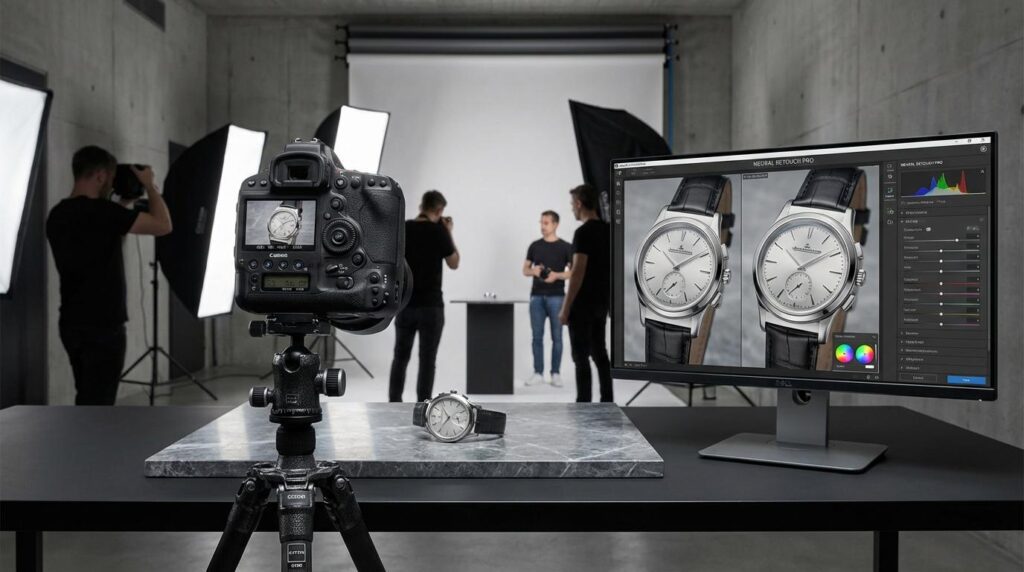
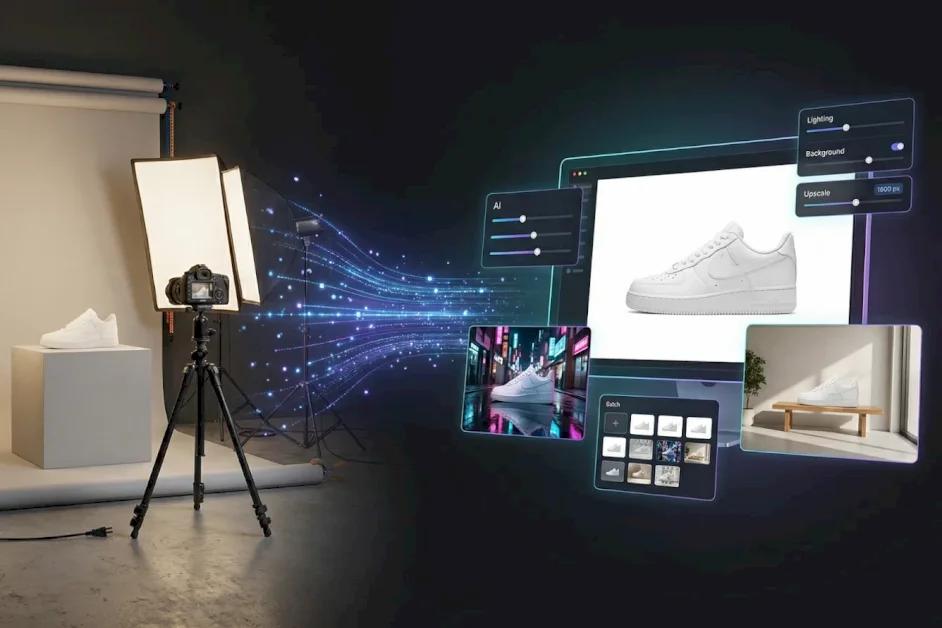
AI photo editors are only one part of a much larger ecosystem of modern photography tools. To truly understand how artificial intelligence is transforming the entire workflow—from capturing images to editing and final delivery—it’s important to explore the full process. You can dive deeper into this in our AI Photography Guide, where we explain AI-powered cameras, editing workflows, enhancement techniques, and real-world applications for photographers in 2026.
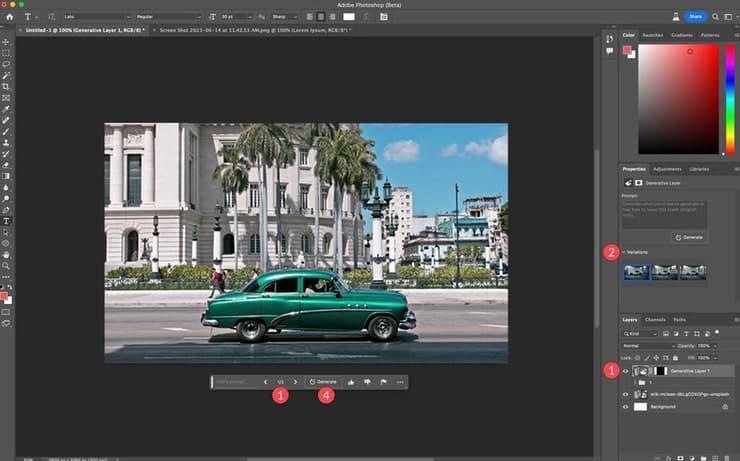
Many of the best AI photo editors integrate advanced technologies developed by industry leaders. For example, Adobe Photoshop and Adobe Lightroom provide powerful AI-based features like Generative Fill, subject masking, and intelligent noise reduction, while tools like Topaz Photo AI specialize in image enhancement and upscaling. These platforms represent the industry standard for professional editing workflows and are widely used by photographers across the world.


What Is an AI Photo Editor?
An AI photo editor is a software tool that uses machine learning and computer vision to automatically analyze and improve images. Instead of relying only on manual adjustments, AI systems understand what is inside a photo and apply intelligent edits based on the subject, lighting, and composition.
Unlike traditional editing tools, AI photo editors can:
- Detect faces, objects, and backgrounds automatically
- Apply selective adjustments (not global edits)
- Improve lighting, exposure, and color balance intelligently
- Remove unwanted objects or distractions
- Enhance details without destroying image quality
- Upscale low-resolution images
- Retouch portraits naturally
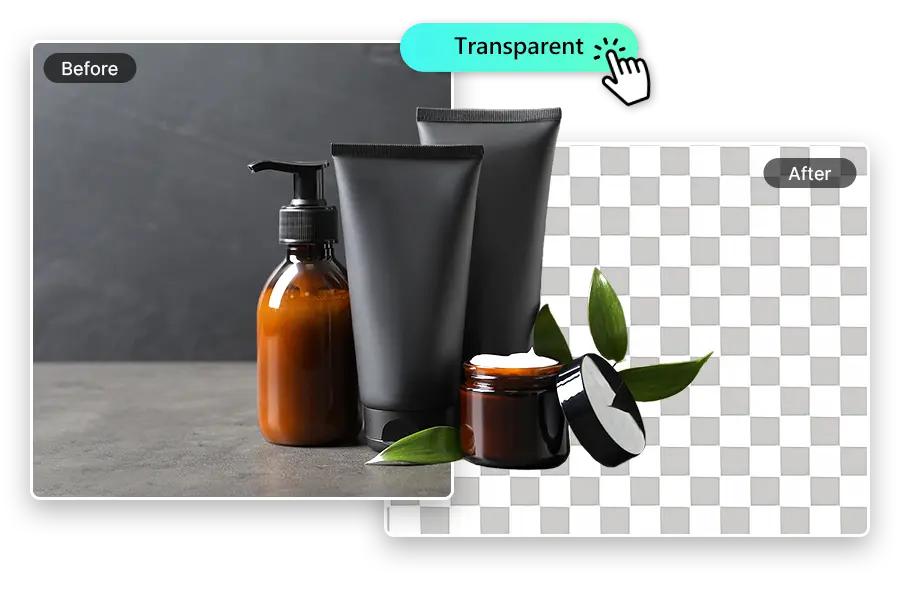
- Replace backgrounds with realistic results
These tools are trained on millions of images, allowing them to “learn” how a professionally edited photo should look.
In simple terms, an AI photo editor acts like a smart assistant that does the technical editing work for you, while you focus on creativity and composition.
Why Use an AI Photo Editor?
AI photo editors are not just about convenience—they fundamentally change how photographers work. Whether you are a beginner or a professional, they offer major advantages.
1. Faster Editing Workflow
Traditional editing can take hours per shoot, especially for weddings, product catalogs, or portrait sessions. AI tools reduce this time significantly by automating repetitive tasks like:
- Skin retouching
- Background cleanup
- Color correction
- Noise reduction
- Image selection (culling)
What used to take 5–10 hours can now often be done in under 1 hour.
2. Professional Results Without Advanced Skills
Not everyone has time to master complex software like Photoshop. AI photo editors make high-quality editing accessible to everyone by offering one-click or automatic enhancements.
Even beginners can produce images that look professionally edited.
3. Consistency Across Images
For brands, influencers, and photographers, consistency is everything. AI tools can apply the same style, tone, and color grading across hundreds of images, ensuring a uniform visual identity.
4. Better Image Quality
Modern AI tools don’t just apply filters—they actually improve image data. They can:
- Recover details in shadows and highlights
- Reduce digital noise without blurring
- Enhance sharpness naturally
- Improve skin texture without over-smoothing
This results in more realistic and high-quality images.
5. Scalable for Business Use
AI photo editors are especially useful for:
- E-commerce product listings
- Real estate photography
- Social media content creation
- Marketing campaigns
- Wedding photography workflows
They allow professionals to handle large volumes of images without sacrificing quality or deadlines.
How We Selected the Best AI Photo Editors
To ensure this list is practical and reliable, each tool was evaluated based on real-world photography needs rather than marketing claims.
We considered the following factors:
1. Ease of Use
How beginner-friendly is the software? Can someone without editing experience use it effectively?
2. AI Capabilities
Does the tool actually use AI for meaningful tasks like object removal, enhancement, or masking—not just basic filters?
3. Output Quality
Do the final images look natural, sharp, and professional without artificial effects?
4. Speed and Performance
How fast does the AI process images, especially for batch editing?
5. Workflow Integration
Does it fit into real photography workflows (Lightroom, Photoshop plugins, standalone apps, etc.)?
6. Value for Money
Does the tool justify its price compared to its features?
7. Use Case Flexibility
Is it suitable for multiple photography styles like portraits, products, and social media content?
While AI tools significantly improve editing speed and quality, mastering photography fundamentals is still essential for achieving professional results. Techniques such as lighting control, composition, posing, and subject understanding remain the foundation of great images. If you want to strengthen your overall photography skills, you can explore more detailed guides in our Photography Tutorials section, along with specialized articles like our Product Photography Guide and Portrait Photography Guide, which cover practical techniques used by professionals.


1. Adobe Photoshop (Best Overall AI Photo Editor)
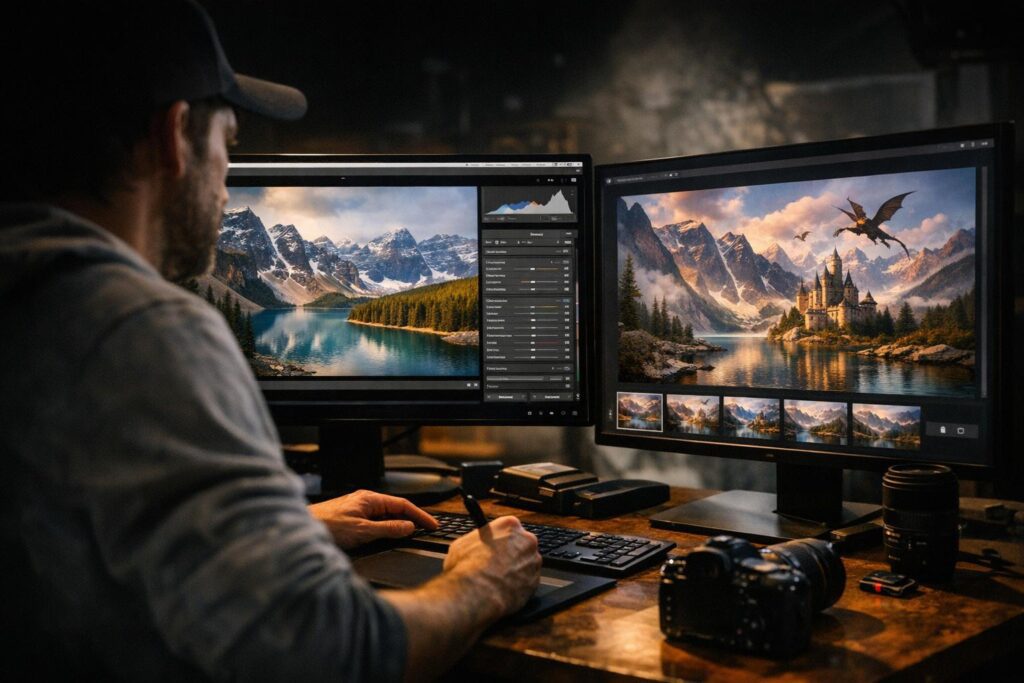
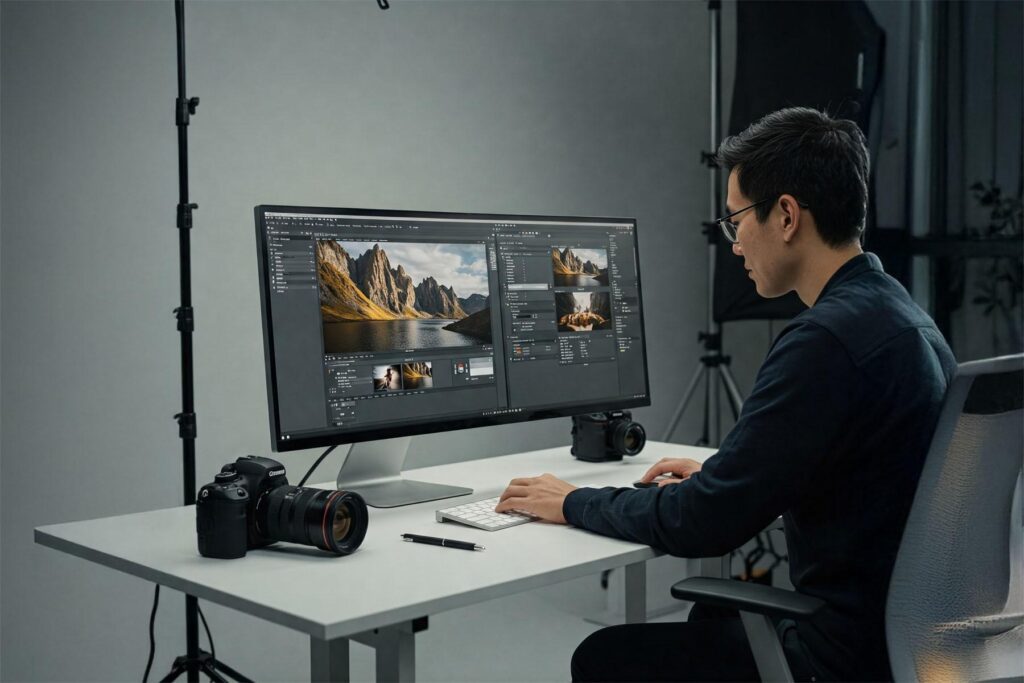
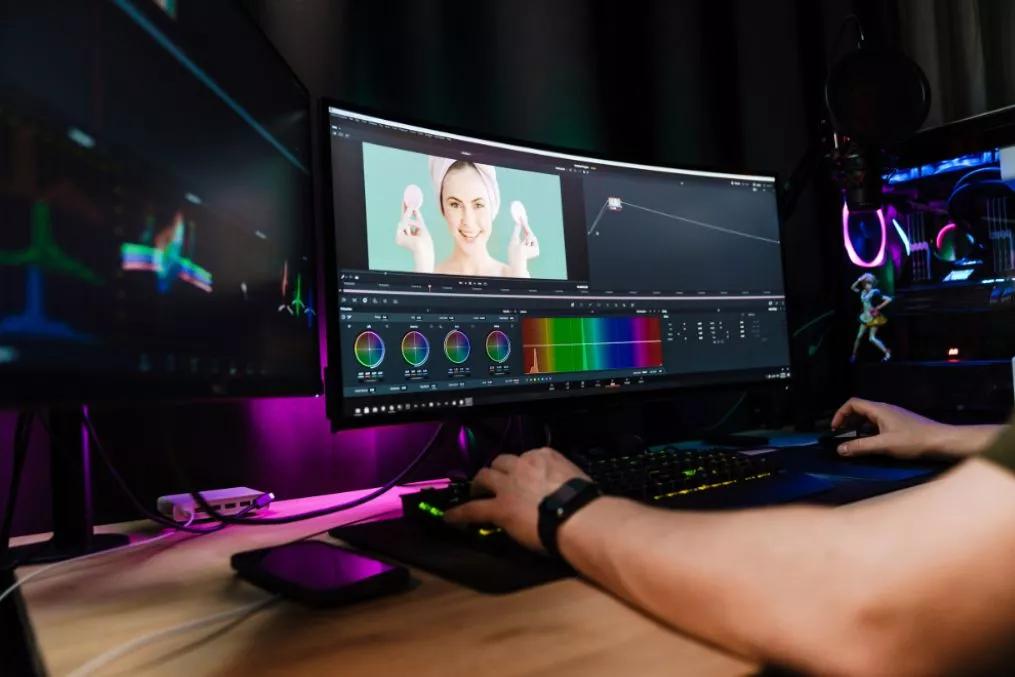
Adobe Photoshop remains the industry standard for professional image editing, and its AI capabilities have improved dramatically in recent years.
With features like Generative Fill, AI object selection, and content-aware editing, Photoshop allows photographers to perform complex edits with minimal manual effort.
Key AI Features:
- Generative Fill for adding/removing objects
- Smart object selection
- Neural Filters for portrait enhancement
- AI-based background replacement
- Advanced retouching tools
Best For:
- Professional photographers
- Commercial editing
- High-end retouching
Photoshop is powerful but has a learning curve, making it ideal for users who want full control with AI assistance.
2. Adobe Lightroom (Best for Workflow Editing)
Adobe Lightroom is widely used for organizing and editing large photo collections. Its AI features focus on speed and batch processing.
Key AI Features:
- AI masking (subject, sky, background detection)
- Auto tone adjustment
- Noise reduction (AI Denoise)
- Smart presets
- Batch editing tools
Best For:
- Wedding photographers
- Event photographers
- Content creators
Lightroom is perfect for photographers who need fast, consistent editing across hundreds of images.
3. Luminar Neo (Best AI-Powered Creativity Tool)
Skylum Luminar Neo is a dedicated AI photo editor designed to simplify advanced editing tasks while giving creative control to photographers.
Key AI Features:
- Sky replacement
- Relight AI (adjust lighting after capture)
- Portrait background removal
- Skin enhancement tools
- Structure and detail enhancement
Best For:
- Portrait photography
- Landscape photography
- Creative editing
Luminar Neo is especially popular among photographers who want dramatic results quickly without complex workflows.
4. Topaz Photo AI (Best for Image Quality Enhancement)
Topaz Photo AI specializes in improving image quality using advanced AI models.
Key AI Features:
- Noise reduction (AI-based denoising)
- Image sharpening
- Upscaling low-resolution images
- Face recovery enhancement
- Detail preservation
Best For:
- Low-light photography
- Wildlife photography
- Old or blurry images
Topaz is widely used by professionals who need to recover details from imperfect shots.
5. DxO PhotoLab (Best for Noise Reduction & Lens Correction)
DxO PhotoLab is known for its powerful optical corrections and industry-leading noise reduction.
Key AI Features:
- DeepPRIME noise reduction
- Lens correction profiles
- Smart lighting adjustments
- RAW image optimization
Best For:
- Landscape photography
- Night photography
- High ISO images
DxO PhotoLab is especially strong for photographers who shoot in challenging lighting conditions.
6. ON1 Photo RAW (Best All-in-One AI Editing Software)
ON1 Photo RAW is a powerful all-in-one editing solution that combines photo organization, RAW processing, and AI-powered editing tools in a single platform.
It is designed for photographers who want advanced control without relying on multiple applications.
Key AI Features:
- AI auto tone and color correction
- AI masking for subjects, skies, and backgrounds
- AI noise reduction and sharpening
- AI portrait retouching tools
- Intelligent effects and filters
Best For:
- Professional photographers
- Advanced hobbyists
- Studio workflows
ON1 Photo RAW is especially useful for users who want a Photoshop + Lightroom alternative with strong AI integration.
7. Canva AI (Best for Social Media Creators)
Canva is not a traditional photo editor, but its AI-powered tools make it extremely popular for content creators and marketers.
Key AI Features:
- AI background remover
- Magic Edit (AI object replacement)
- Auto image enhancement
- Text-to-image generation
- Smart layout suggestions
Best For:
- Social media posts
- Marketing graphics
- Influencers and creators
- Small businesses
Canva is ideal when speed and design flexibility matter more than deep photo editing control.
8. Pixlr (Best Free Online AI Photo Editor)
Pixlr is a browser-based photo editor that offers surprisingly strong AI features without requiring installation.
Key AI Features:
- AI cutout tool (background removal)
- One-click enhancement
- AI object removal
- Auto color correction
- Smart filters
Best For:
- Beginners
- Quick edits
- Students and casual users
Pixlr is one of the best free alternatives for users who want simple AI editing directly in the browser.
9. Fotor (Best Easy AI Photo Editor for Beginners)
Fotor focuses on simplicity and accessibility, making it a great entry point into AI photo editing.
Key AI Features:
- AI photo enhancement
- One-tap retouching
- Background removal
- AI face retouch tools
- HDR effects
Best For:
- Beginners
- Mobile editing users
- Quick photo fixes
Fotor is especially useful for users who want instant results without learning complex editing tools.
10. PhotoRoom (Best AI Tool for Product Photography)
PhotoRoom is widely used for eCommerce and product photography because of its powerful background removal and automation tools.
Key AI Features:
- Instant background removal
- AI product scene generation
- Batch editing for product catalogs
- Shadow and lighting simulation
- Smart resizing for marketplaces
Best For:
- Amazon sellers
- Shopify stores
- Product photographers
- Small businesses
PhotoRoom is one of the fastest ways to create clean, professional product images without a studio setup.
11. Remini (Best AI Face Enhancement App)
Remini is a mobile-first AI tool focused on improving facial details and restoring old photos.
Key AI Features:
- Face enhancement
- Old photo restoration
- Blur correction
- AI sharpening
- Video enhancement tools
Best For:
- Mobile users
- Social media creators
- Old photo restoration
Remini is particularly popular for restoring low-quality or heavily compressed images.
12. Evoto AI (Best AI Portrait Retouching Tool)
Evoto AI is designed specifically for portrait photographers who want fast, natural-looking retouching.
Key AI Features:
- AI skin retouching
- Facial reshaping tools
- Hair refinement
- Makeup enhancement
- Batch portrait editing
Best For:
- Portrait studios
- Wedding photographers
- Professional retouchers
Evoto AI helps reduce hours of manual retouching into a few minutes of automated adjustments.
13. Picsart AI (Best Mobile Creative Editing App)
Picsart is a popular mobile app that combines AI editing with creative design tools.
Key AI Features:
- AI background remover
- AI image generator
- One-tap enhancements
- AI effects and filters
- Object removal tools
Best For:
- Mobile creators
- Instagram content
- Quick creative edits
Picsart is especially useful for users who want both editing and design capabilities in one app.
14. Capture One (Best for Professional Color Editing)
Capture One is known for its exceptional color grading tools and tethered shooting capabilities.
While it is not fully AI-driven like other tools, it includes intelligent features that improve workflow efficiency.
Key Features:
- Advanced color editing tools
- AI-assisted masking
- Tethered shooting for studios
- Layer-based editing system
- High-end RAW processing
Best For:
- Studio photographers
- Fashion photographers
- Commercial shoots
Capture One is widely used in professional environments where color accuracy is critical.
15. Google Photos AI (Best Free Cloud AI Editor)
Google Photos includes built-in AI tools that automatically enhance and organize your images.
Key AI Features:
- Automatic photo enhancement
- AI-based album organization
- Smart search (faces, objects, locations)
- Suggested edits
- Cloud backup and syncing
Best For:
- Casual users
- Smartphone photographers
- Free cloud storage users
Google Photos is one of the simplest ways to use AI photo editing without installing additional software.
Free vs Paid AI Photo Editors
Choosing between free and paid tools depends on your workflow and professional needs.
Free AI Photo Editors:
- Pixlr
- Fotor
- Google Photos
- Canva (free tier)
- Remini (limited features)
Pros:
- No cost
- Easy to use
- Good for beginners
Cons:
- Limited AI features
- Lower export quality
- Watermarks in some cases
Paid AI Photo Editors:
- Adobe Photoshop
- Adobe Lightroom
- Luminar Neo
- Topaz Photo AI
- DxO PhotoLab
- Capture One
Pros:
- Professional quality
- Advanced AI tools
- Better workflow integration
- High-resolution exports
Cons:
- Subscription or one-time cost
- Learning curve for advanced tools
How to Choose the Right AI Photo Editor
Choosing the best AI photo editor depends entirely on your photography style, workflow, and level of experience. Not every tool is built for the same purpose, so understanding your needs first will help you avoid unnecessary subscriptions or overly complex software.
1. Identify Your Photography Type
Different tools perform better in different scenarios:
- Portrait photographers should prioritize tools with strong AI retouching, skin smoothing, and facial enhancement features.
- Product photographers need background removal, batch editing, and clean white background generation.
- Wedding and event photographers benefit from AI culling, batch processing, and fast color correction.
- Content creators should focus on mobile-friendly AI editors with quick export options for social media.
2. Check AI Feature Depth (Not Just Marketing Claims)
Many apps advertise “AI features,” but not all AI is equally powerful. Look for real functionality such as:
- Subject detection and masking
- AI noise reduction (not simple blur filters)
- Object removal with background reconstruction
- Intelligent color correction
- Batch editing automation
A true AI photo editor should reduce manual effort—not just add presets.
3. Consider Your Workflow Compatibility
A good AI photo editor should fit into your existing workflow:
- Lightroom users should prefer AI plugins or integrated tools
- Studio photographers may need tethering + RAW support
- Mobile creators should prioritize cloud syncing and fast export
- E-commerce sellers should focus on batch processing tools
4. Ease of Use vs Control
There is always a balance between automation and control:
- Beginner-friendly tools (like Canva, Fotor) focus on one-click editing
- Professional tools (like Photoshop, Capture One) offer full manual control with AI assistance
Choose based on whether you want speed or precision—or a balance of both.
Tips for Getting Better Results with AI Photo Editors
AI tools are powerful, but they still depend on how you use them. The best results come when photographers combine strong shooting techniques with smart editing choices.
1. Start with a Good Original Photo
AI can enhance images, but it cannot fully fix poor composition or lighting. Always aim for:
- Proper exposure
- Good focus and sharpness
- Clean composition
- Balanced lighting
Better input always produces better AI output.
2. Avoid Over-Reliance on One-Click Edits
One-click enhancements are useful, but they can sometimes make images look unnatural. Always review:
- Skin texture (avoid plastic look)
- Colors (avoid oversaturation)
- Shadows and highlights (avoid flat images)
3. Use AI as a Starting Point, Not the Final Step
A professional workflow often looks like this:
- AI auto-enhancement
- Manual adjustments
- Final color grading
- Export optimization
This hybrid approach gives both speed and creative control.
4. Maintain a Consistent Editing Style
If you’re building a brand or portfolio, consistency is more important than perfection. Use:
- Similar presets
- Matching color tones
- Controlled contrast levels
AI tools can help maintain this consistency across large batches of images.
5. Use Batch Processing for Efficiency
For weddings, events, or product catalogs, batch processing is a game changer. It allows you to:
- Apply identical edits to multiple images
- Save hours of repetitive work
- Maintain uniform style across galleries
Frequently Asked Questions
Why You Can Trust The Candid Shoot
At The Candid Shoot, we don’t just write about photography—we actively explore cameras, editing software, AI-powered tools, and real-world photography workflows to create practical, experience-driven guides for photographers and content creators.
Our editorial approach focuses on evaluating tools based on factors that matter in everyday use, including image quality, ease of use, AI capabilities, workflow efficiency, pricing, and overall value. Instead of relying solely on marketing claims, we compare features, study official documentation, monitor software updates, and assess how these tools fit different photography styles, from portraits and weddings to landscapes, product photography, and social media content.
Every recommendation is created with one goal: helping readers choose the right tools for their specific needs, whether they’re beginners learning photography or professionals looking to streamline their editing workflow.
As artificial intelligence continues to reshape photography, The Candid Shoot is committed to publishing accurate, up-to-date, and practical content that enables photographers to make informed decisions with confidence.
Our Editorial Process
To maintain accuracy and reliability, every software guide published on The Candid Shoot is developed using a consistent research process.
Our evaluations consider:
- AI features and real-world usefulness
- Editing quality and output consistency
- Ease of use for beginners and professionals
- RAW editing performance
- Portrait and landscape editing capabilities
- Workflow efficiency
- Pricing and overall value
- Software updates and long-term support
- Compatibility across Windows, macOS, and mobile platforms
Whenever significant features, pricing, or AI capabilities change, we review and update our articles to keep them relevant and accurate.
Our Photography & AI Coverage
The Candid Shoot covers a wide range of photography and AI-related topics, including:
- AI Photo Editors
- AI Image Enhancement
- AI Photo Restoration
- AI Product Photography
- Portrait Photography
- Couple Photography
- Camera Reviews
- Photography Tutorials
- Photography Gear
- Photo Editing Workflows
- AI Photography Tools
- Creative Photography Techniques
Our goal is to help photographers capture better images, edit more efficiently, and stay informed about the latest advancements in photography and artificial intelligence.
Final Thoughts on AI Photo Editors
AI photo editors are no longer optional—they are becoming essential tools for modern photographers and content creators. Whether you’re editing portraits, products, or social media content, AI can significantly reduce workload while improving output quality.
However, the key to success is not just choosing the right tool, but using it wisely. The most effective photographers in 2026 will be those who combine:
- Strong photography fundamentals
- Smart use of AI automation
- A consistent creative style
AI should enhance your creativity, not replace it.
Conclusion
The rise of AI photo editors marks a major shift in how photography is created, edited, and delivered in 2026. What once required advanced technical skills, complex software knowledge, and hours of manual effort can now be achieved in a fraction of the time with the help of intelligent tools.
However, the real value of AI in photography is not about replacing creativity—it is about enhancing it. The best AI photo editors are not meant to take control away from photographers, but to remove repetitive, time-consuming tasks so you can focus more on composition, storytelling, lighting, and visual impact.
Throughout this guide, we explored the 15 best AI photo editors, from industry leaders like Adobe Photoshop and Lightroom to specialized tools like Topaz Photo AI, Luminar Neo, and PhotoRoom. Each tool serves a different purpose, whether it’s professional retouching, batch editing, background removal, or image enhancement. The key takeaway is that there is no single “perfect” AI photo editor—only the one that best fits your workflow, goals, and photography style.
For professionals, AI tools can dramatically improve productivity, especially when working with large volumes of images such as weddings, product catalogs, or commercial shoots. For beginners, they provide an easier entry point into high-quality editing without requiring years of technical experience. And for content creators, AI editors make it possible to produce consistent, eye-catching visuals for social media and marketing at speed.
Still, it is important to remember that AI is only as effective as the photographer using it. Strong fundamentals in lighting, composition, and camera control will always be the foundation of great photography. AI can enhance a good image, but it cannot fully rescue a poorly captured one.
The most successful photographers in 2026 will be those who strike the right balance between automation and creativity—using AI to speed up workflows while maintaining full control over their artistic vision.
As AI technology continues to evolve, we can expect even more powerful features like real-time editing, intelligent composition suggestions, and fully automated editing pipelines. But no matter how advanced these tools become, the human eye for emotion, storytelling, and detail will remain irreplaceable.
Ultimately, AI photo editors are not the future of photography—they are tools that are shaping the future of photographers.


Adobe and Google AI
The rapid evolution of AI photo editing is driven by breakthroughs in machine learning and computer vision research. Companies like Adobe, Google AI, and other leading technology firms are continuously improving how computers understand and process visual information. These advancements are making it possible for photographers to achieve faster, smarter, and more accurate edits while maintaining full creative control over their work.




Leave a Reply