
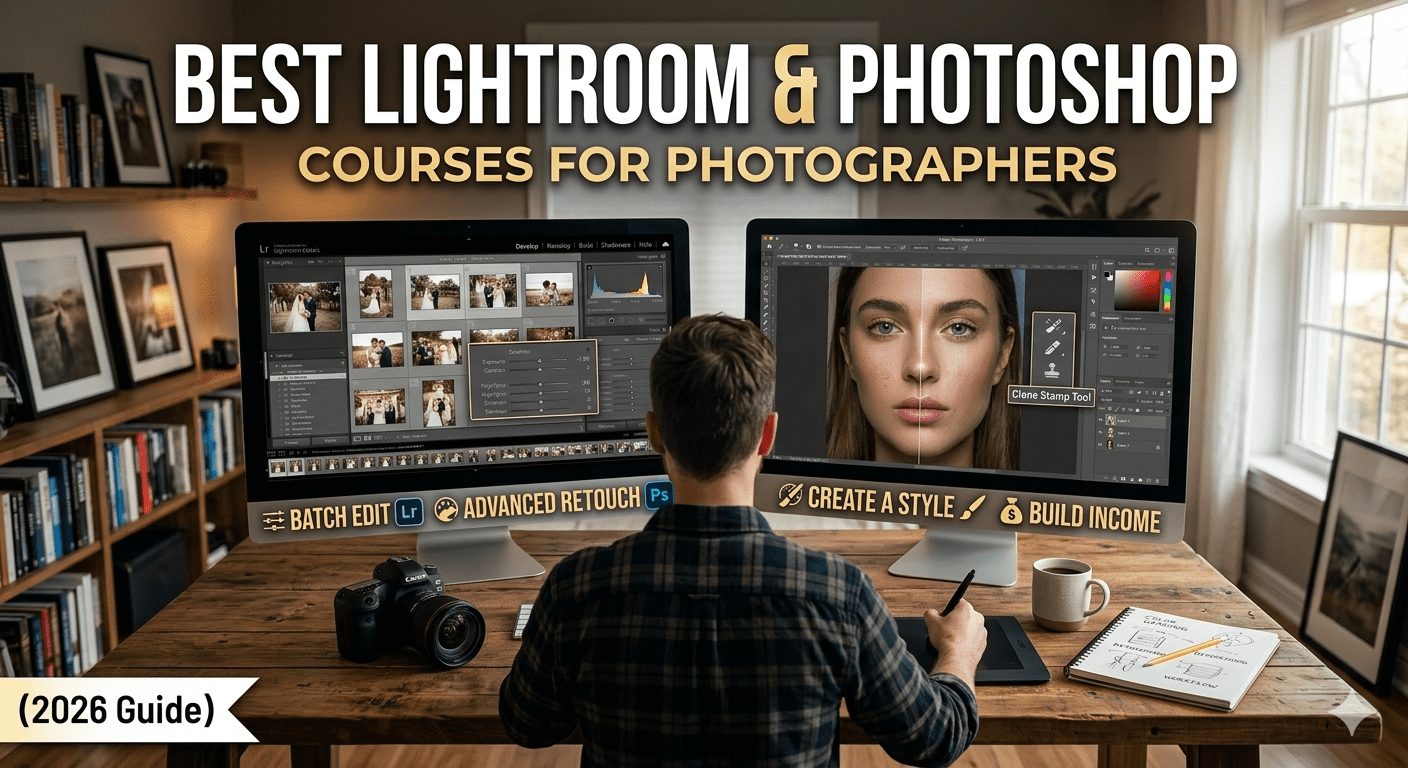
Discover the best Lightroom and Photoshop courses for photographers. Learn professional photo editing, retouching, and color grading to boost your skills and income in 2026.
Why Photo Editing Skills Are Essential for Modern Photographers
Photography does not end when you click the shutter. In today’s digital era, editing plays an equally important role in creating professional-quality images. Even the best photos often require adjustments to achieve the desired look, correct lighting issues, and enhance visual appeal.

This is where tools like Adobe Lightroom and Adobe Photoshop become essential for photographers.
These tools allow you to:
- Enhance colors and tones
- Correct exposure and lighting
- Retouch portraits
- Create a consistent visual style
Because of this, Lightroom and Photoshop courses for photographers have become one of the most valuable investments for anyone serious about photography.
However, many beginners struggle because they:
- Feel overwhelmed by complex tools
- Don’t understand editing workflows
- Over-edit or under-edit their images
This guide will help you understand how to learn editing properly and turn it into a professional skill.
Understanding Lightroom and Photoshop: What Makes Them Different?
Before choosing a course, it is important to understand the difference between these two powerful tools.
What Lightroom Is Used For
Adobe Lightroom is primarily designed for photographers who need to edit large batches of images efficiently. It focuses on global adjustments such as exposure, contrast, color grading, and tone correction.
Lightroom is ideal for:
- Wedding photographers handling thousands of images
- Travel photographers managing large photo collections
- Beginners who want simple but powerful editing
Its non-destructive editing system ensures that your original image remains unchanged, which makes it beginner-friendly and safe to use.
What Photoshop Is Used For
Adobe Photoshop is more advanced and allows detailed editing at the pixel level. It is used for high-end retouching, compositing, and creative manipulation.
Photoshop is ideal for:
- Portrait retouching
- Commercial photography
- Creative edits and composites
Unlike Lightroom, Photoshop requires more precision and practice, but it offers unmatched control.
Why Photographers Need Both
While Lightroom handles bulk editing and color grading, Photoshop allows detailed refinements. Together, they form a complete editing workflow.
Learning both tools through structured Lightroom and Photoshop courses for photographers ensures that you can handle any type of editing project professionally.
Why You Should Invest in Lightroom & Photoshop Courses
Structured Learning Simplifies Complex Tools
Many beginners try to learn editing through random tutorials. While this approach can provide basic knowledge, it often leads to confusion and inconsistent results.
A structured course offers a step-by-step learning path. It explains:
- Tools in a logical order
- Real-world editing workflows
- Practical examples
This makes learning faster and more effective.
Courses Teach Professional Editing Workflows
Editing is not just about applying filters. It involves a systematic process that ensures consistency and quality.
Courses teach workflows such as:
- Importing and organizing images
- Basic adjustments in Lightroom
- Advanced retouching in Photoshop
- Exporting optimized files
Understanding this workflow helps you work efficiently and maintain consistency across projects.
Courses Help You Develop a Signature Style
Every successful photographer has a unique editing style. Courses help you understand how to:
- Use color grading creatively
- Maintain consistency
- Build a recognizable visual identity
This is important for branding and attracting clients.
Courses Open Income Opportunities
The best Lightroom and Photoshop courses for photographers also focus on monetization.
You can earn through:
- Freelance editing services
- Photo retouching projects
- Selling presets
- Working with brands
This makes editing a high-value skill in the photography industry.
Core Skills You Learn in Lightroom & Photoshop Courses
Color Correction and Color Grading
Color is one of the most powerful elements in photography. It influences mood, emotion, and visual appeal.
Courses teach you how to:
- Correct white balance
- Adjust tones
- Create cinematic color grading
Proper color grading transforms an ordinary image into a visually stunning one.
Exposure and Tone Adjustment
Even well-shot images may have exposure issues. Editing allows you to fix these problems.
You learn how to:
- Adjust brightness and contrast
- Recover highlights and shadows
- Balance overall exposure
These adjustments improve image clarity and detail.
Portrait Retouching
Portrait editing is one of the most in-demand skills.
In Photoshop, you learn:
- Skin retouching
- Blemish removal
- Frequency separation
The goal is to enhance the subject while keeping the image natural.
Batch Editing for Efficiency
Lightroom allows you to edit multiple images at once.
This is especially useful for:
- Wedding photography
- Event photography
Batch editing saves time and ensures consistency.
Advanced Editing Techniques
Courses also cover advanced skills such as:
- Background removal
- Object manipulation
- Creative composites
These techniques are useful for commercial and creative projects.
Best Types of Lightroom & Photoshop Courses for Photographers
Beginner Courses
Beginner courses focus on fundamentals. They teach basic tools and simple workflows.
These courses are ideal for:
- New photographers
- Hobbyists
They help you build a strong foundation.
Advanced Editing Courses
Advanced courses focus on professional-level editing.
They teach:
- High-end retouching
- Advanced color grading
- Complex editing techniques
These courses are suitable for photographers who want to take their skills to the next level.
Photography Workflow Courses
These courses teach how to combine Lightroom and Photoshop into a complete workflow.
You learn how to:
- Organize images
- Edit efficiently
- Deliver professional results
Business-Focused Editing Courses
These courses focus on monetization.
They teach how to:
- Offer editing services
- Find clients
- Price your work
Case Study 1: Wedding Photographer Improving Workflow
A wedding photographer struggled with editing thousands of images after each event. The process was slow and inconsistent.
After learning Lightroom workflows, they started using batch editing techniques. This reduced editing time significantly and improved consistency.
As a result, they were able to deliver projects faster and take on more clients.
Case Study 2: Freelancer Building an Editing Business
A beginner photographer learned Photoshop retouching through an online course. They started offering freelance editing services on platforms like Fiverr.
Within a few months, they built a steady client base and started earning regularly.
This shows how editing skills can become a reliable income source.
Step-by-Step Plan to Learn Lightroom & Photoshop
Start by choosing a beginner-friendly course that explains the basics clearly.
Practice regularly by editing your own photos. Experiment with different styles and techniques.
Once you are comfortable with Lightroom, move on to Photoshop for advanced editing.
Build a portfolio showcasing your best work. This will help you attract clients.
Finally, explore monetization options such as freelance work or selling presets.
Monetization Strategies Using Editing Skills
Editing skills open multiple income opportunities.
You can offer photo editing services to photographers who need help with their workflow.
Selling presets is another popular option. Many photographers look for ready-made editing styles.
You can also work with brands and influencers who need high-quality edited images.
Teaching editing through courses or tutorials is another way to generate income.
Common Mistakes to Avoid
Many beginners over-edit their photos, making them look unnatural. It is important to maintain a balance.
Ignoring workflow leads to inefficiency and inconsistent results.
Relying too much on presets without understanding adjustments limits creativity.
Not practicing regularly slows down progress.
Avoiding these mistakes will help you improve faster.
Income Potential for Editing Skills
Editing is a highly valuable skill in the photography industry.
Beginners can start with small projects and gradually increase their rates.
Experienced editors can earn significantly by working with clients or selling digital products.
The demand for editing services continues to grow, making it a reliable career option.
Future of Photo Editing
Editing tools are becoming more advanced with AI features. However, creativity and understanding of visual aesthetics remain essential.
Photographers who master editing will have a strong advantage in the industry.
Conclusion: Master Editing to Elevate Your Photography Career
Learning through Lightroom and Photoshop courses for photographers allows you to transform your images and build a professional portfolio.
By mastering editing, you can:
- Improve image quality
- Develop a unique style
- Increase your earning potential
Consistency, practice, and creativity are key to success.
FAQ Section
Which is better: Lightroom or Photoshop?
Both serve different purposes and work best together.
Can beginners learn Lightroom and Photoshop easily?
Yes, with structured courses and practice.
How long does it take to learn photo editing?
You can see improvement within a few weeks.
Do I need both tools?
For professional work, yes.
Is photo editing a good career option?
Yes, it offers multiple income opportunities.
The Candid Shoot
Ready to master photo editing and boost your photography career?
Start learning today, practice consistently, and turn your skills into income.





Leave a Reply