

Discover the best product photography setup ideas for capturing professional product images at home or in a studio. Perfect for eCommerce, Amazon, and Shopify sellers.
📚 Table of Contents:
Introduction
You have a great product, But your photos don’t look professional.
As a result, your sales stay low, and your content doesn’t stand out.
However, here’s the truth:
👉 You don’t need a studio to create high-quality product photos.
In fact, with the right product photography setup at home, you can create images that look clean, sharp, and professional — even with a smartphone.
Before choosing product photography setup, you can also explore our complete camera equipment buying guide to understand which photography gear, lighting tools, and accessories are actually worth buying.
Why Trust The Candid Shoot?
At The Candid Shoot, we publish practical photography guides based on real-world shooting techniques, camera knowledge, lighting setups, and post-processing workflows. Our goal is to simplify photography concepts so beginners, hobbyists, creators, and professionals can capture better images with confidence.
Every guide is carefully reviewed and updated to reflect current photography trends, camera technology, AI-powered editing tools, and industry best practices. Whenever relevant, we reference trusted photography resources and official manufacturer documentation to ensure our recommendations remain accurate and reliable.
Whether you’re photographing products for an online store, social media, Amazon listings, or personal projects, our tutorials are designed to help you improve image quality while making informed equipment and workflow decisions.
Quick Answer
Product photography is the process of creating high-quality images that accurately showcase a product’s appearance, features, and details. Effective product photography combines proper lighting, composition, camera settings, backgrounds, and editing techniques to produce professional images that increase customer trust and improve online sales.
Learn More About Product Photography
If you’re looking to master product photography from beginner to advanced level, don’t miss our complete guide:
👉 Powerful Product Photography Secrets for Photos
Inside this comprehensive guide, you’ll learn:
- Camera settings for product photography
- Lighting techniques for every budget
- Background selection
- Composition tips
- Lens recommendations
- Editing workflow
- AI tools for product photography
- Studio setup ideas
- Photography mistakes to avoid
- Professional workflow from planning to final image
This pillar guide connects all of our product photography tutorials in one place, making it the perfect starting point for beginners and expe

So, in this guide, you’ll learn:
- How to set up product photography at home
- Lighting, background, and camera setup
- Budget-friendly tools and hacks
- Tips to improve product visuals instantly
Let’s build your home studio 📸
🔗 Related Article:
- Best camera for Instagram
- Indoor photoshoot ideas
- Natural poses for photos
- Mobile photography tips
- Photography poses guides
📸 Adobe Express (Photo Editing & Background Removal)
Improve your product images with easy editing and design tools:
👉 Adobe Express Product Photo Editing Tools
Great for enhancing lighting, removing backgrounds, and creating professional product visuals.
💡 Why Product Photography Matters
Product photography directly affects how people perceive your product.
If your images look:
- Clear → product feels premium
- Dark → product feels cheap
Moreover, high-quality photos increase:
- Click-through rate
- Conversions
- Trust
Therefore, investing time in a good setup is essential.
📊 Quick Comparison Table
| Setup Type | Cost | Best For | Result |
|---|---|---|---|
| Window Light Setup | Free | Beginners | Soft look |
| DIY Light Setup | Low | Small brands | Clean images |
| Lightbox Setup | Medium | E-commerce | Professional |
| Studio Setup | High | Businesses | Premium |
Product Photography Setup at Home
🌞 1. Natural Light Setup (Best for Beginners)
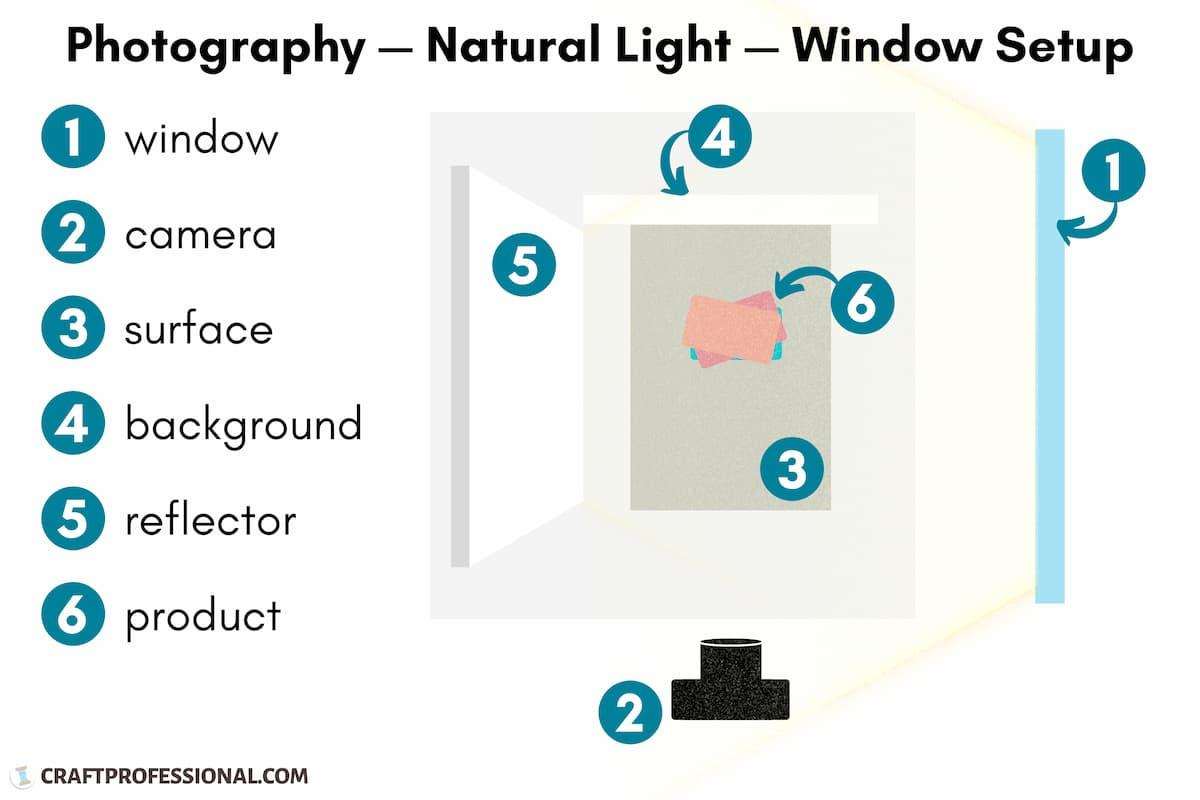


👉 How to Do It:
Place your product near a window where natural light enters.
📍 Best Location:
- Near window
- Balcony
👤 Who Should Try:
- Beginners
- Small business owners
💡 Why It Works:
Natural light creates soft shadows and realistic colors.
💡 2. DIY Lighting Setup


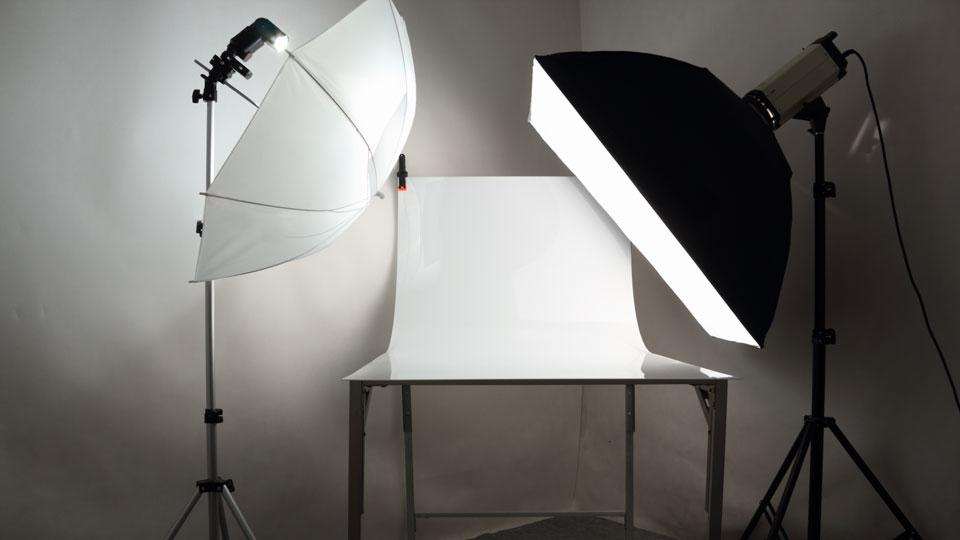
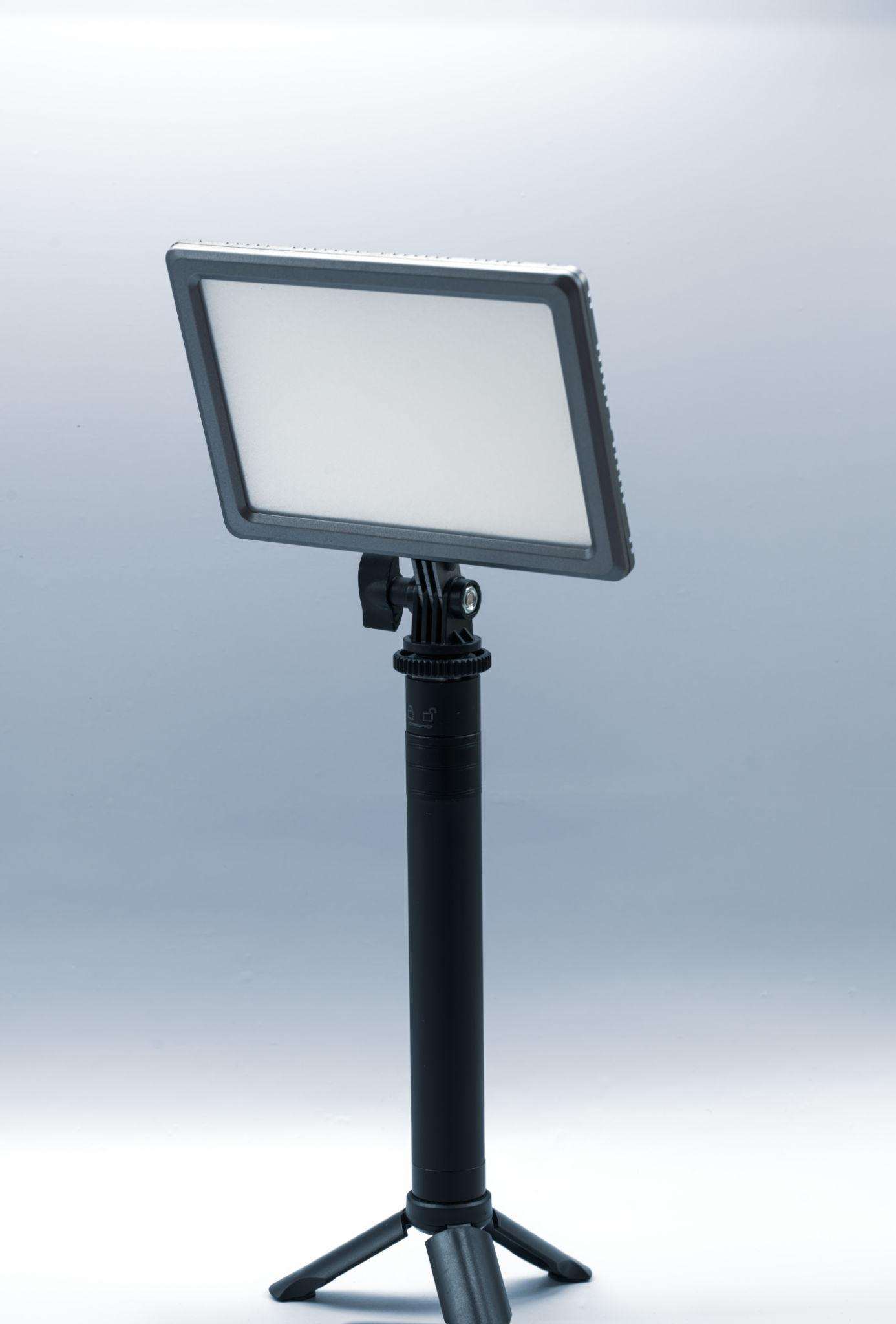

👉 How to Do It:
Use LED lights or ring lights on both sides of the product.
📍 Best Location:
- Table setup
- Indoor room
👤 Who Should Try:
- Content creators
- Online sellers
💡 Pro Tip:
Use white paper to reflect light and reduce shadows.
📦 3. Lightbox Setup

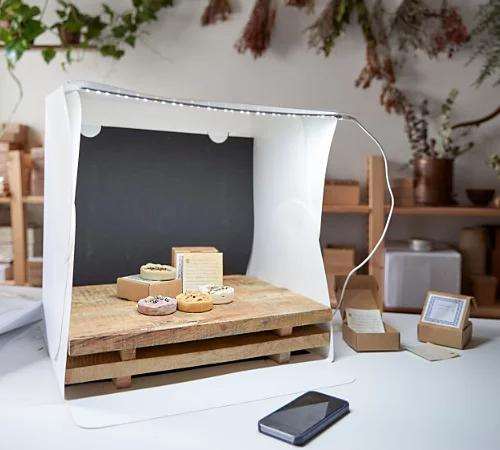


👉 How to Do It:
Place the product inside a lightbox with built-in lighting.
📍 Best Location:
- Table
👤 Who Should Try:
- E-commerce sellers
💡 Why It Works:
Creates consistent and shadow-free photos.
🎨 4. Background Setup Ideas – Product Photography Setup Ideas
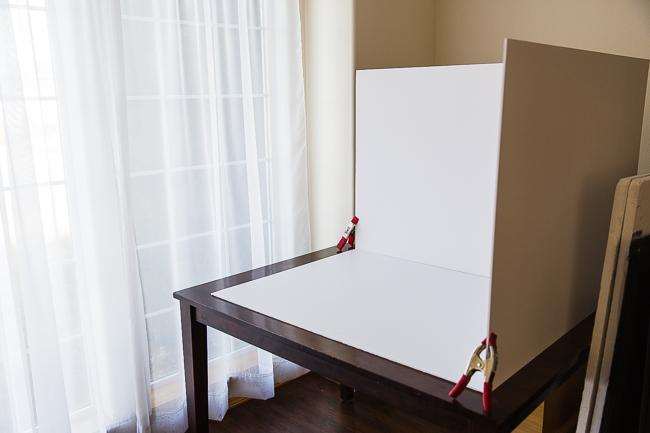


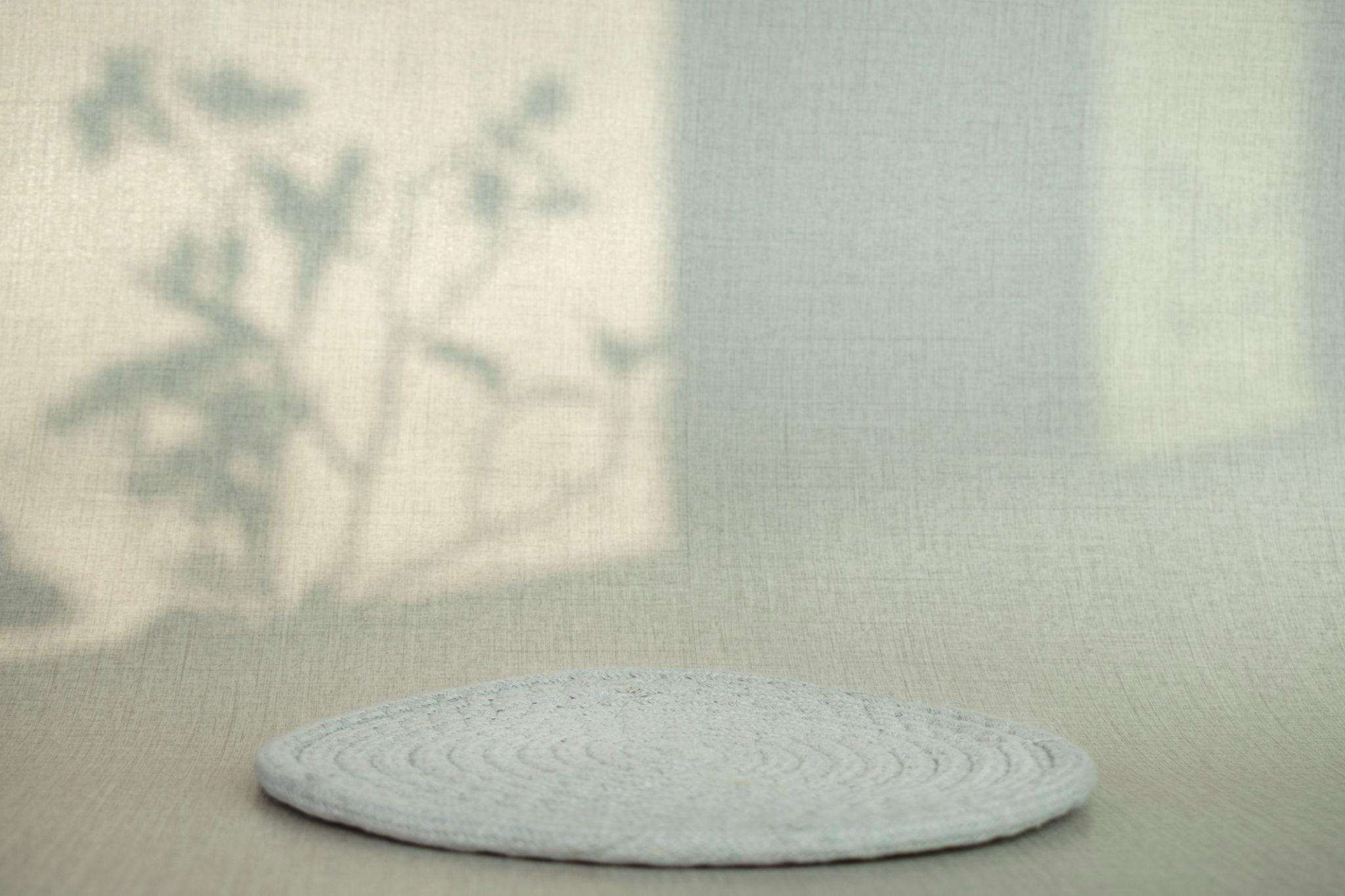
👉 How to Do It:
Use clean backgrounds like:
- White sheet
- Colored paper
- Wooden surface
📍 Best Location:
- Table
- Floor
👤 Who Should Try:
- All creators
💡 Pro Tip:
Keep background simple to highlight the product.
📷 5. Camera Setup – Product Photography Setup Ideas

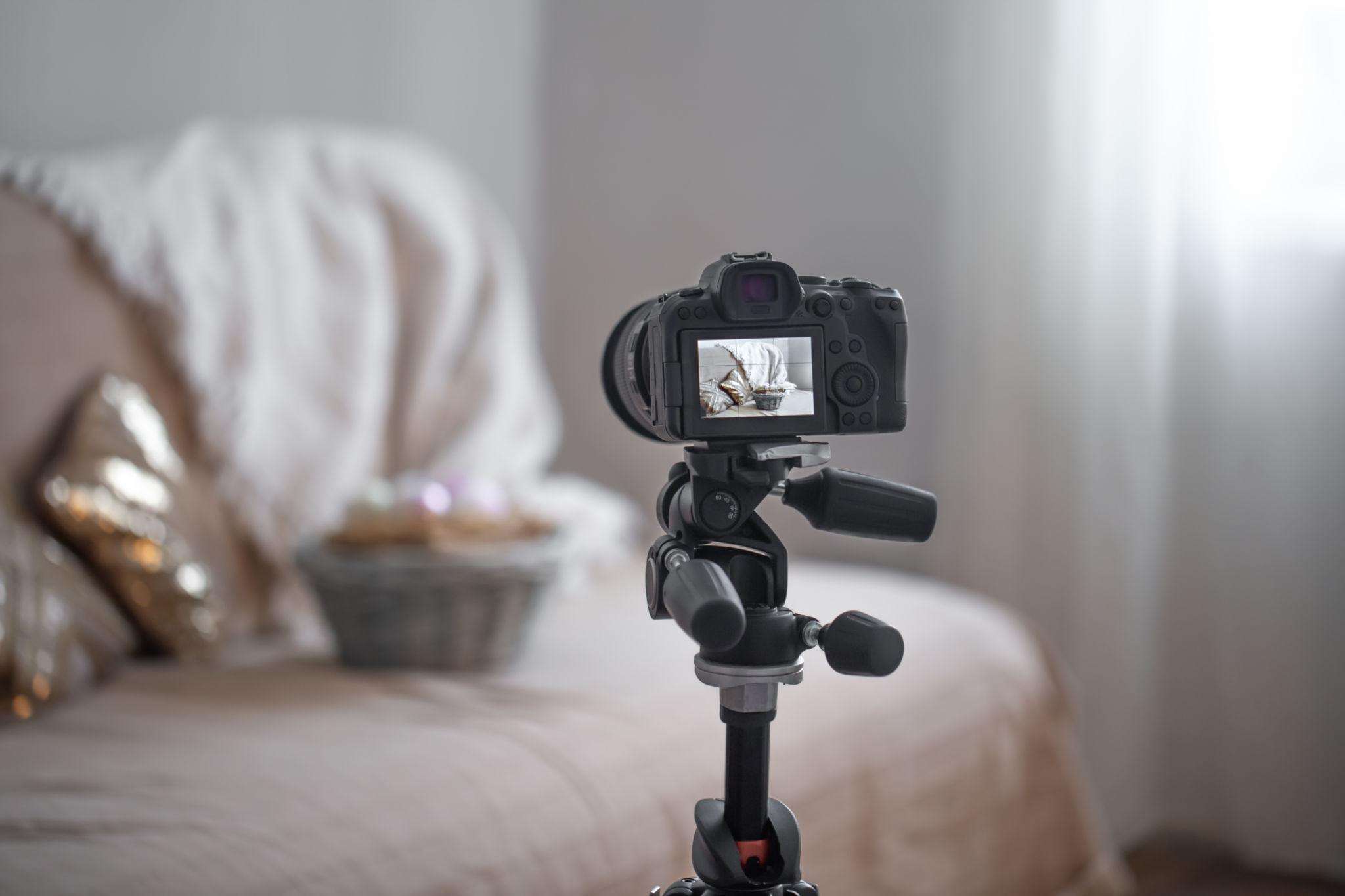
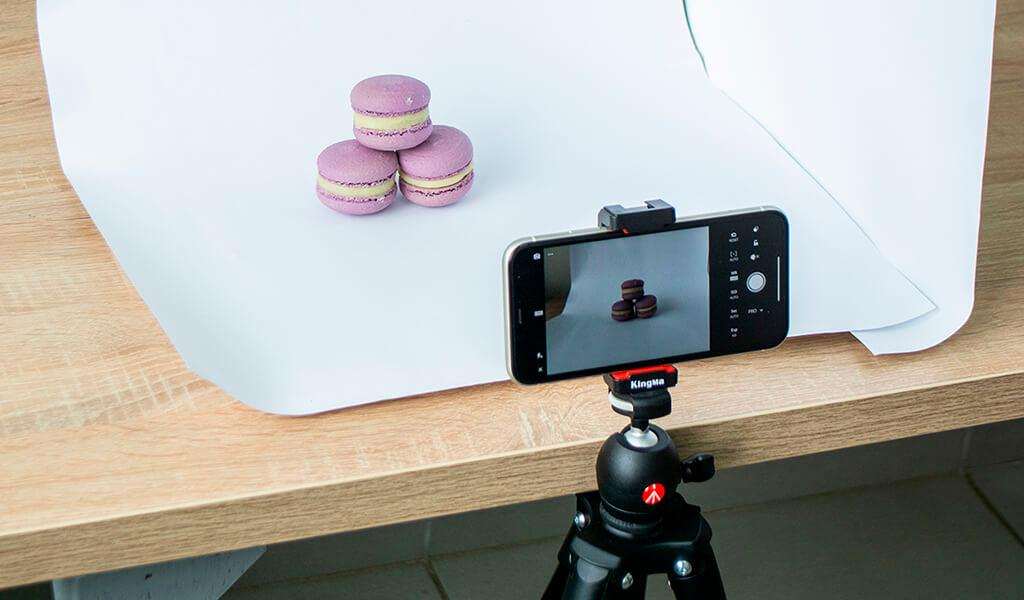
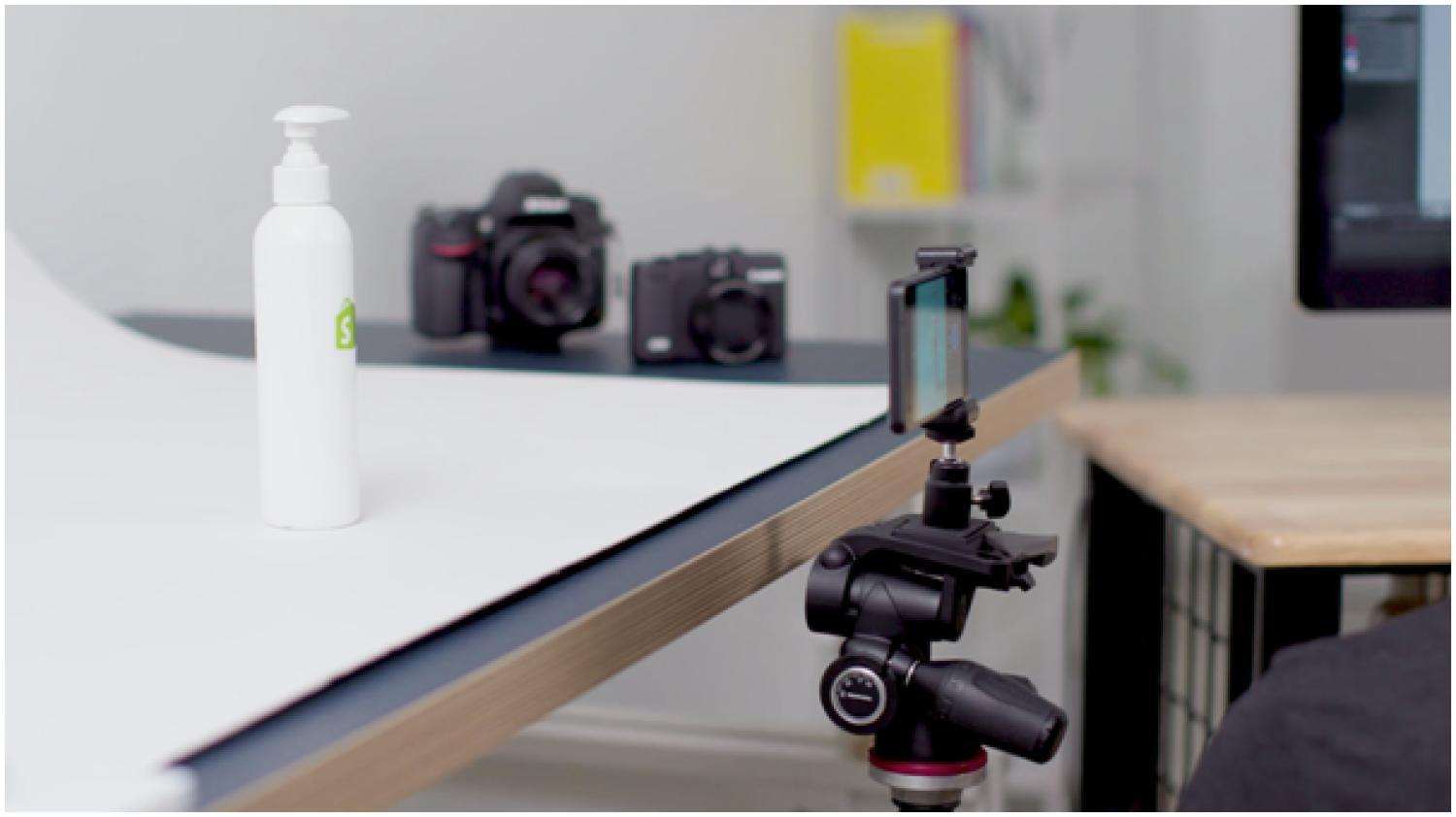


👉 How to Do It:
Use a tripod and shoot at eye level or top angle.
👤 Who Should Try:
- Everyone
💡 Why It Works:
Stability improves sharpness.
🎯 Best Setup for YOU
- Beginner → Natural light
- Budget → DIY lights
- Seller → Lightbox
- Creative → Custom background
⚠️ Common Mistakes to Avoid
- Using harsh lighting
- Cluttered background
- Blurry images
- Wrong angles
👉 Keep it clean and simple.
💎 Pro Tips (Expert Level)
- Use reflectors
- Shoot in RAW
- Adjust white balance
- Try multiple angles
🔥 Hidden Tips Most People Don’t Know
- Shadows add depth
- Angles change perception
- Lighting matters more than camera
💰 How This Helps You Earn Money
Good product photos can:
- Increase sales
- Improve brand image
- Boost online visibility
👉 Better visuals = higher conversions.
🛠️ Best Tools
- Tripod
- Ring light
- White sheet
- Lightroom
FAQs – Product Photography Setup Ideas❓
1. How can I do product photography setup at home for beginners?
You can set up product photography at home by using natural window light, a clean background, and a stable surface like a table. Additionally, using a tripod and adjusting angles can improve your results. Beginners should start simple and focus on lighting before investing in expensive equipment.
2. What lighting is best for product photography at home?
Natural light is the best option for beginners because it creates soft and even lighting. However, if natural light is not available, you can use LED lights or a ring light. The key is to avoid harsh shadows and ensure your product is evenly lit from both sides.
3. Can I take professional product photos using a smartphone?
Yes, smartphones today are powerful enough to capture professional-quality product photos. When combined with proper lighting, a clean background, and stable setup, they can produce excellent results. Many small businesses successfully use smartphones for product photography.
People Also Ask
4. What background should I use for product photography?
A simple and clean background works best for product photography. White backgrounds are ideal for e-commerce, while colored or textured backgrounds add creativity. Additionally, keeping the background minimal helps your product stand out and improves overall image quality.
5. Why do my product photos look dull and how can I fix it?
Product photos often look dull due to poor lighting or incorrect camera settings. To fix this, use better lighting, adjust exposure, and edit your images slightly. Moreover, improving your background and angles can make your photos look more vibrant and professional.
6. Do I need a lightbox for product photography at home?
A lightbox is helpful but not necessary. Beginners can achieve great results using natural light and DIY setups. However, if you want consistent and shadow-free images, a lightbox can be a good investment for long-term use.
7. How can I improve product photography for online selling?
To improve product photography, focus on lighting, angles, and clarity. Additionally, use multiple shots, show details, and maintain consistency across images. High-quality visuals increase trust and can significantly boost your product sales online.
📌 Conclusion – Product Photography Setup Ideas
You don’t need expensive gear to create great product photos.
With the right product photography setup at home, you can:
- Create professional images
- Improve your brand
- Increase sales
Start simple. Improve gradually.
👉 Next step:
Explore camera guides and indoor photoshoot ideas.
Your home can be your best studio 📦📸
🔗 Related Article:
- Best camera for Instagram
- Indoor photoshoot ideas
- Natural poses for photos
- Mobile photography tips
- Photography poses guides
🛒 Shopify (E-Commerce Inspiration)
See how professional product photos improve online store conversions:
👉 Shopify Product Photography Guide
Learn expert tips for creating high-converting product images for online stores.
Recommended Resources
Improve Your Product Photography Skills
Photography is a skill that improves with practice. Try experimenting with different lighting setups, camera angles, and editing techniques to discover what works best for your products. Even small improvements in composition and lighting can make your images look significantly more professional.
If you enjoyed this guide, explore more tutorials on The Candid Shoot to continue improving your photography skills.



Leave a Reply