
Portrait photography is more than just capturing a person’s image; it is about storytelling, emotion, and artistry. Whether you’re a beginner or an experienced photographer, understanding the nuances of portrait photography can transform your work from average to extraordinary. In this ultimate guide, we will explore everything you need to know to master the art of portrait photography.
1. Understanding Portrait Photography
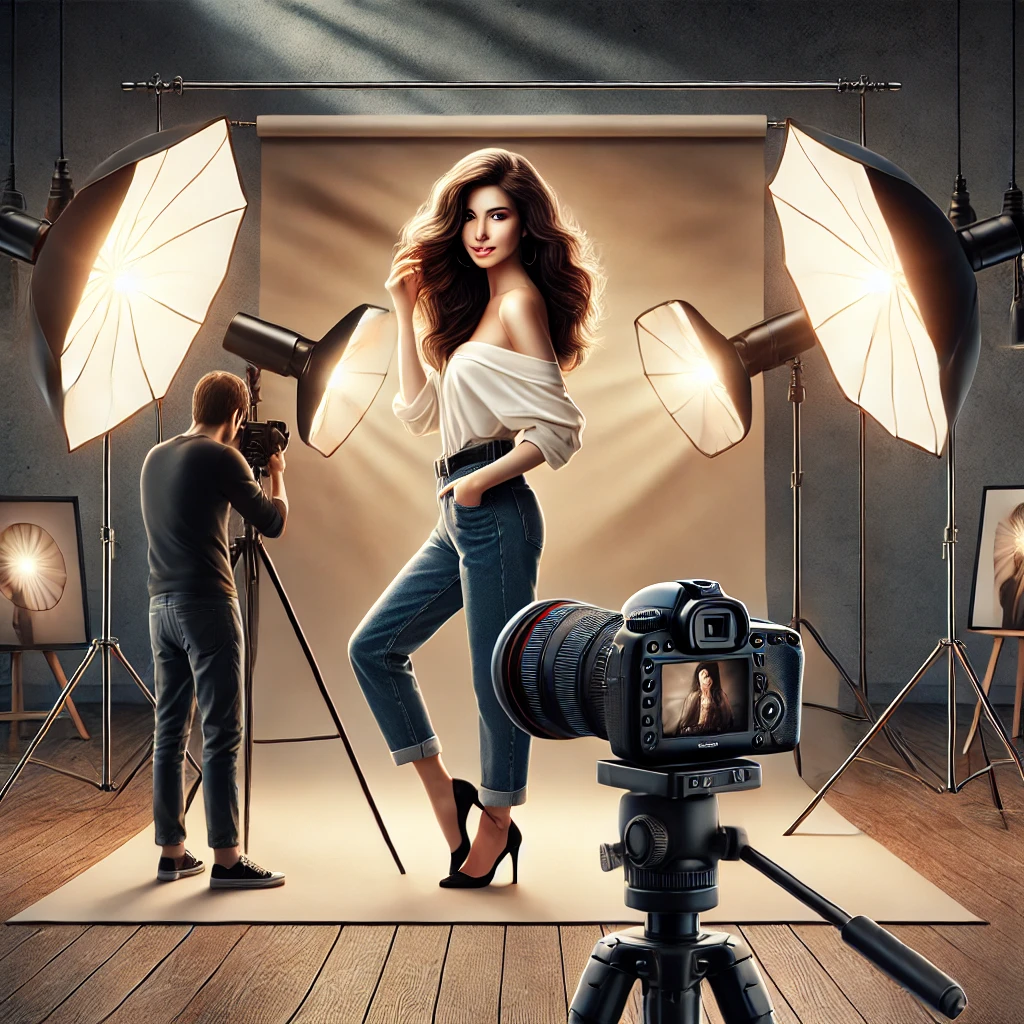
What is Portrait Photography?
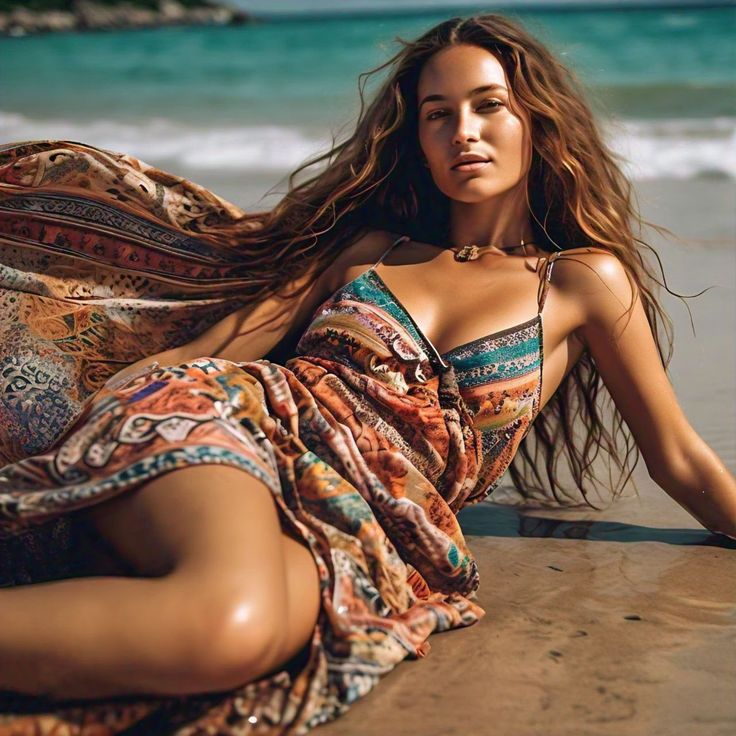
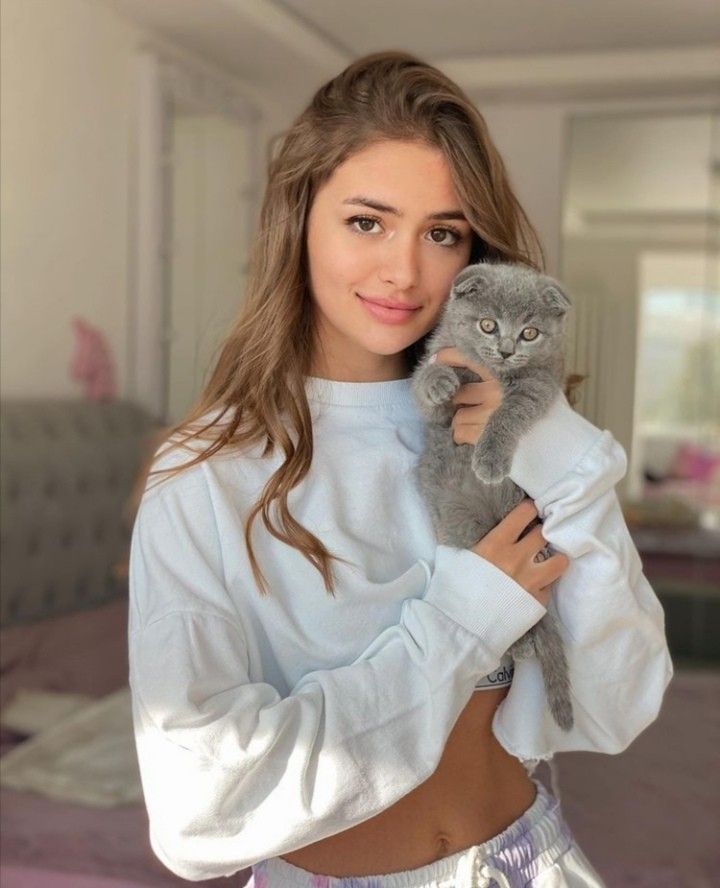
Portrait photography is the art of capturing a person’s personality, expression, and emotions through an image. The best portraits evoke feelings and tell a story, making them powerful tools for communication and artistic expression.
Types of Portrait Photography
- Traditional Portraits: Studio-based with controlled lighting.
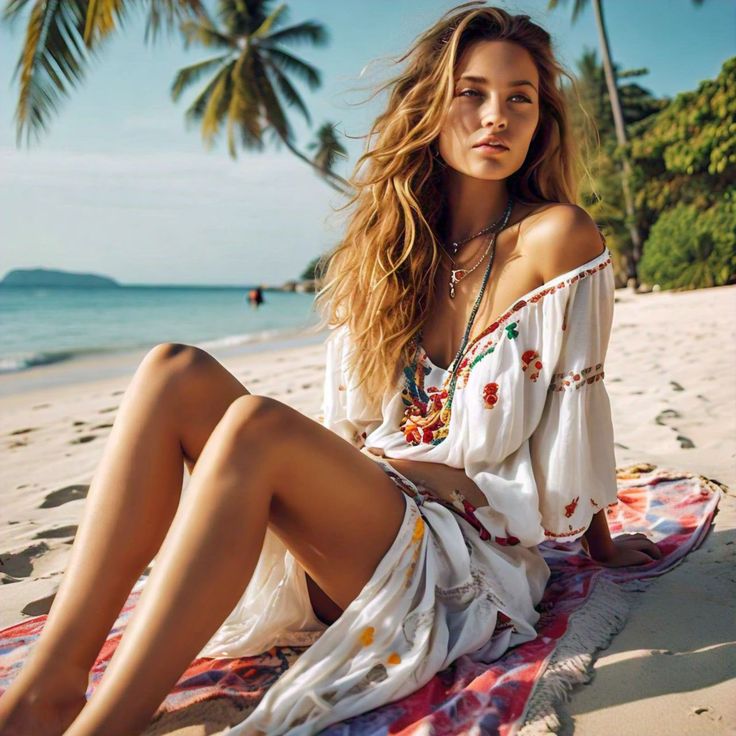
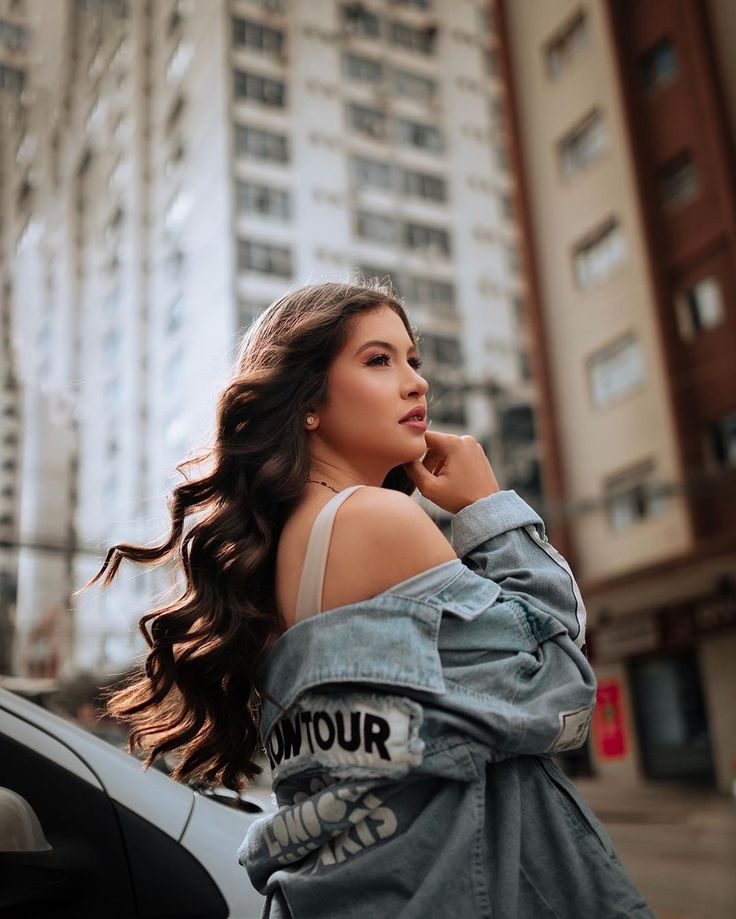
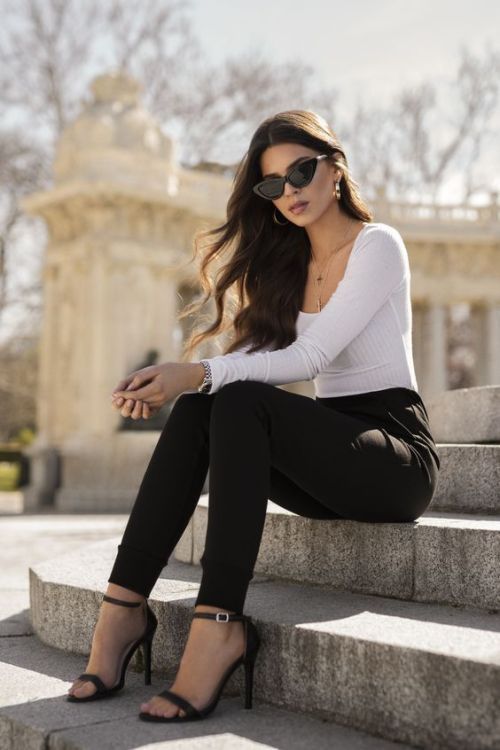
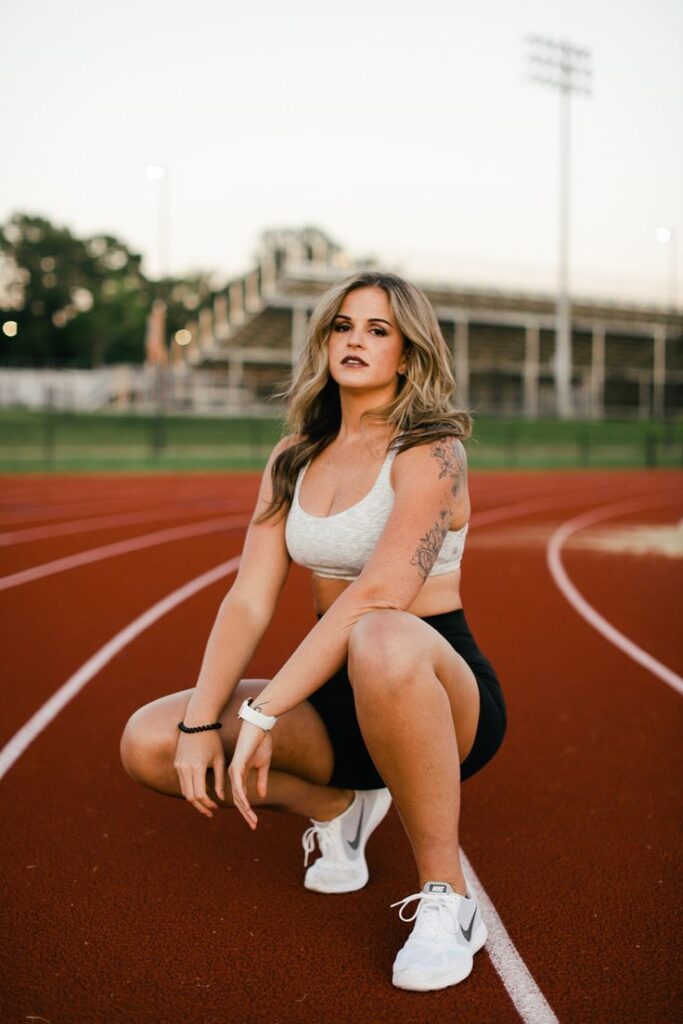
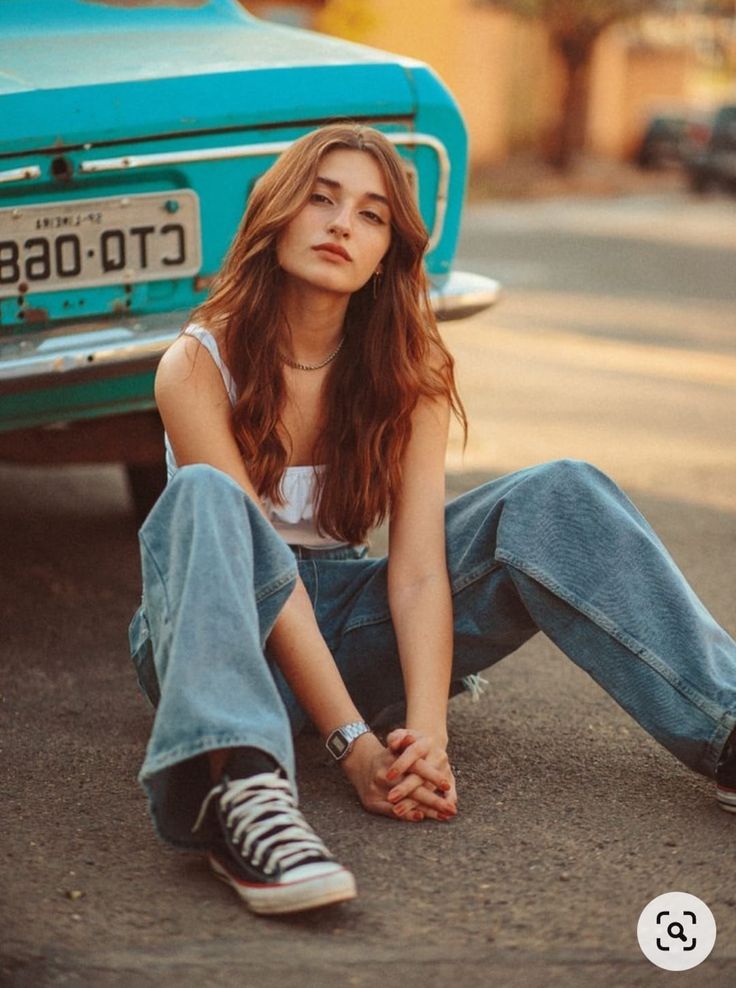
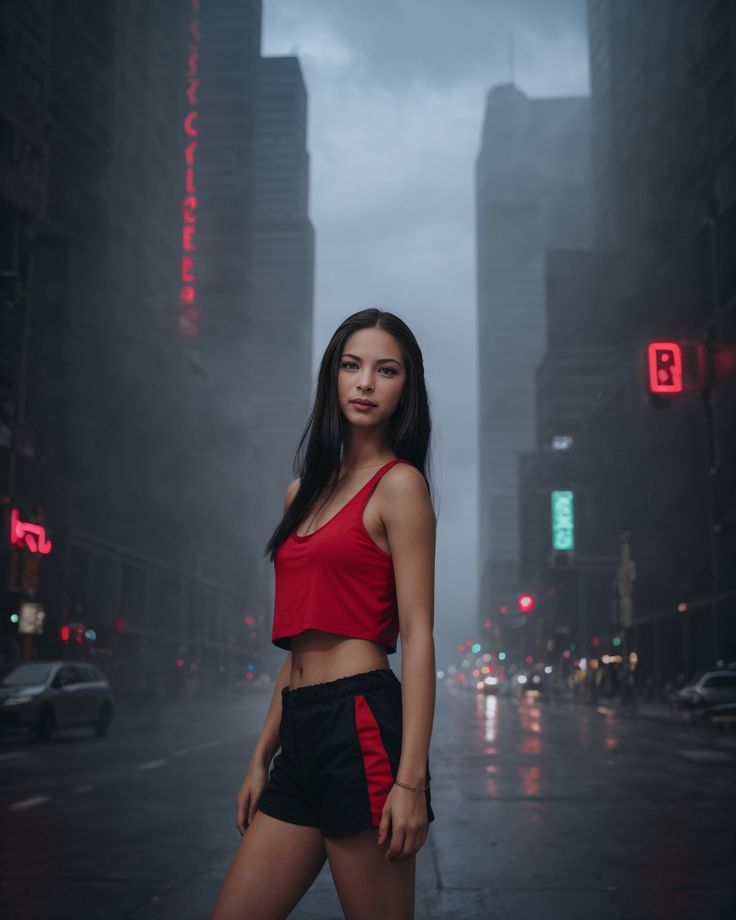
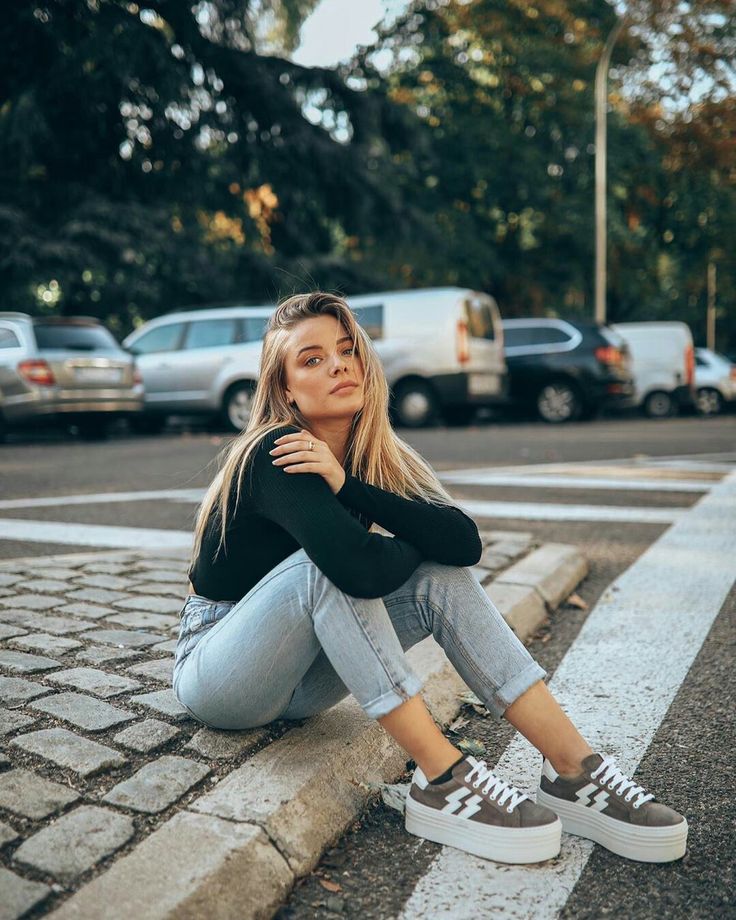
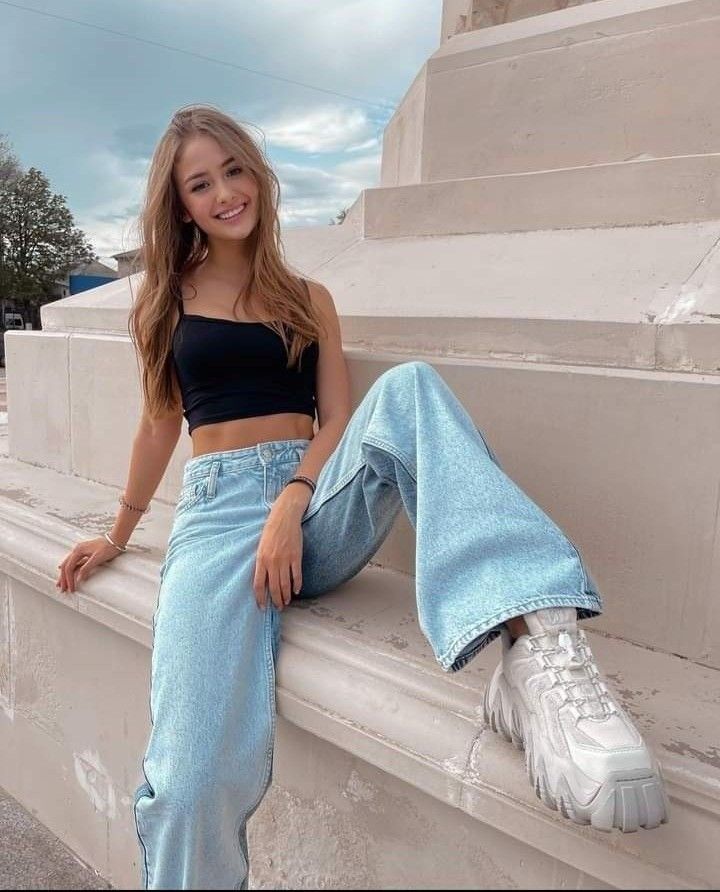
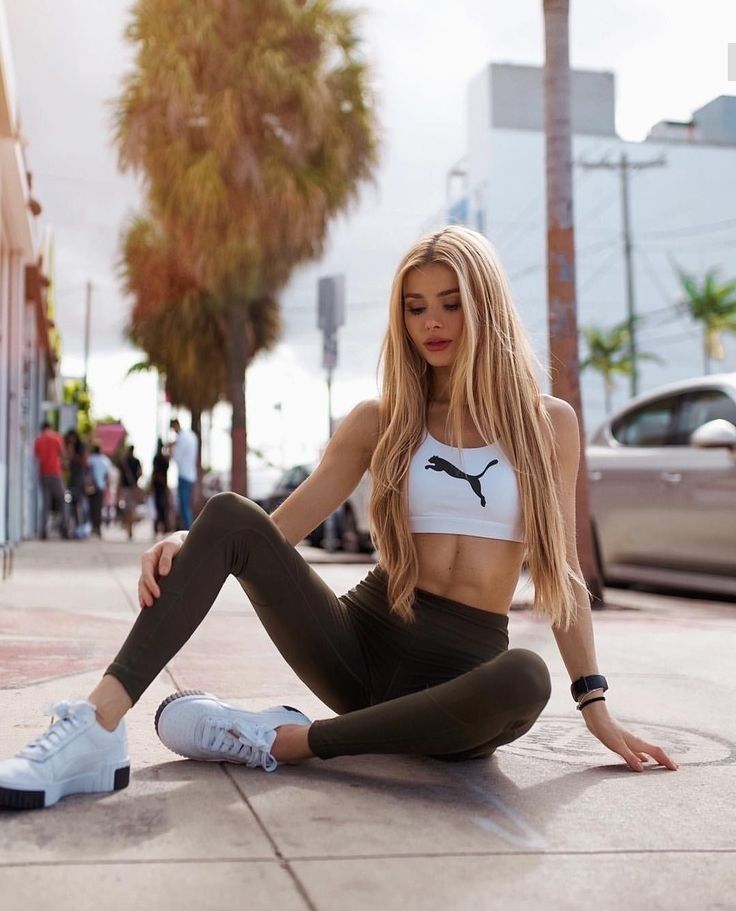
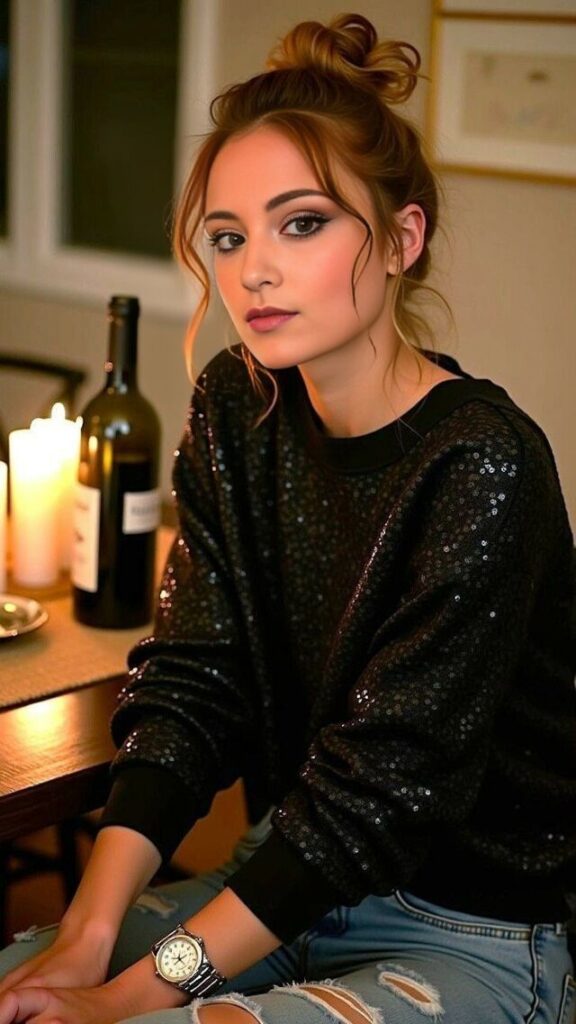
- Environmental Portraits: Capturing a subject in their natural surroundings.
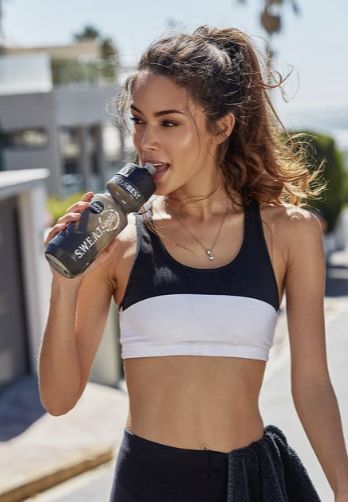
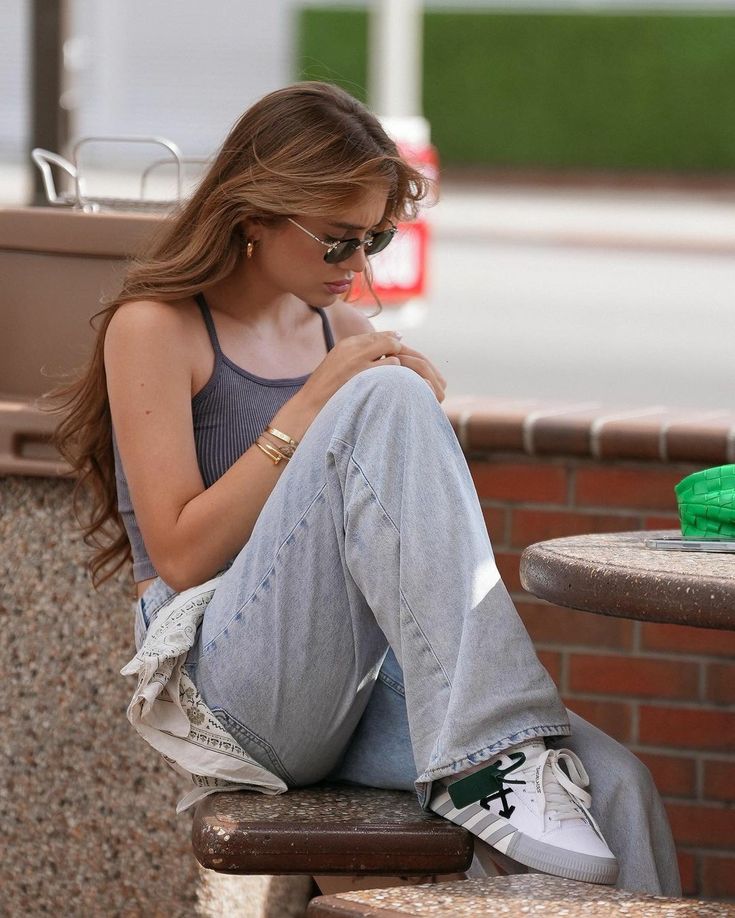
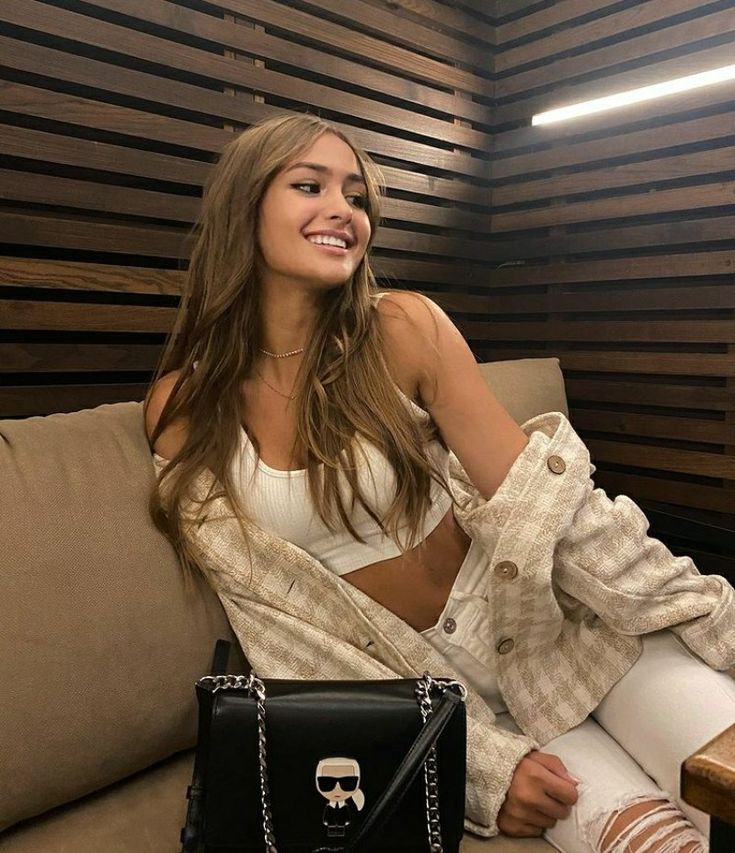
- Candid Portraits: Unposed shots capturing natural expressions.
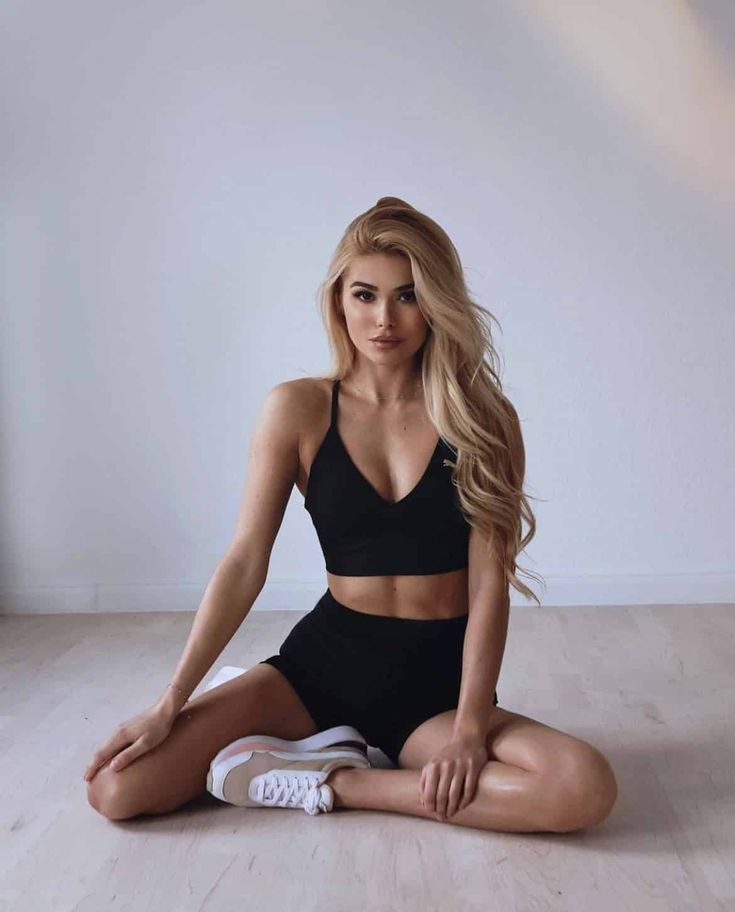
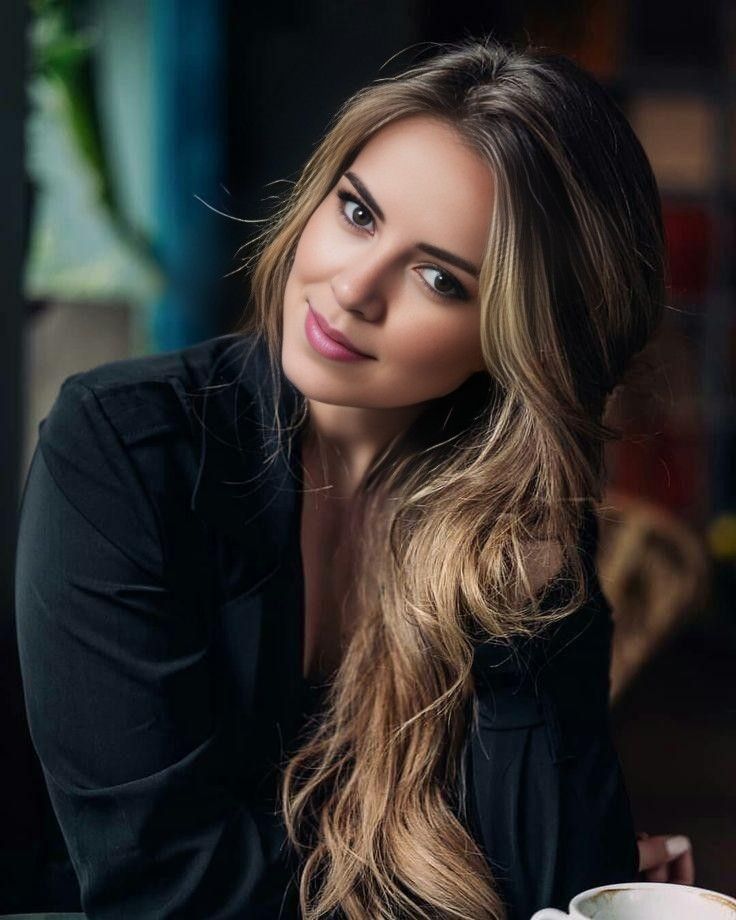
- Glamour Portraits: Emphasizing beauty with professional makeup and lighting.
- Conceptual Portraits: Artistic and storytelling-driven photography.
2. Essential Equipment for Portrait Photography
Choosing the Right Camera
- DSLR and Mirrorless Cameras: High resolution and interchangeable lenses.
- Medium Format Cameras: Ideal for high-end, magazine-quality portraits.
Best Lenses for Portrait Photography
- 50mm f/1.8 (Nifty Fifty): Affordable and versatile.
- 85mm f/1.4 or f/1.8: Perfect for stunning bokeh and sharp subject focus.
- 70-200mm f/2.8: Excellent for outdoor portraits and isolating subjects.
Additional Gear
- Tripod: Stabilizes shots for low-light conditions.
- Reflectors and Diffusers: Control and shape natural or artificial light.
- External Flash: Enhances lighting in low-light environments.
- Backdrop and Props: Adds depth and visual appeal to the portrait.
3. Mastering Lighting Techniques
Natural vs. Artificial Light
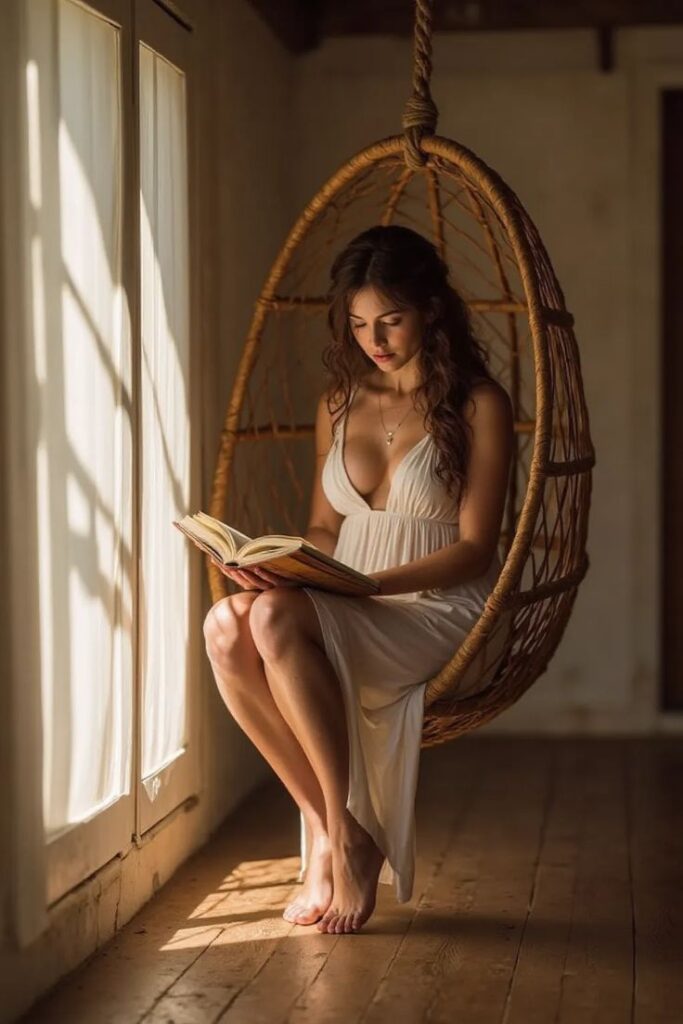
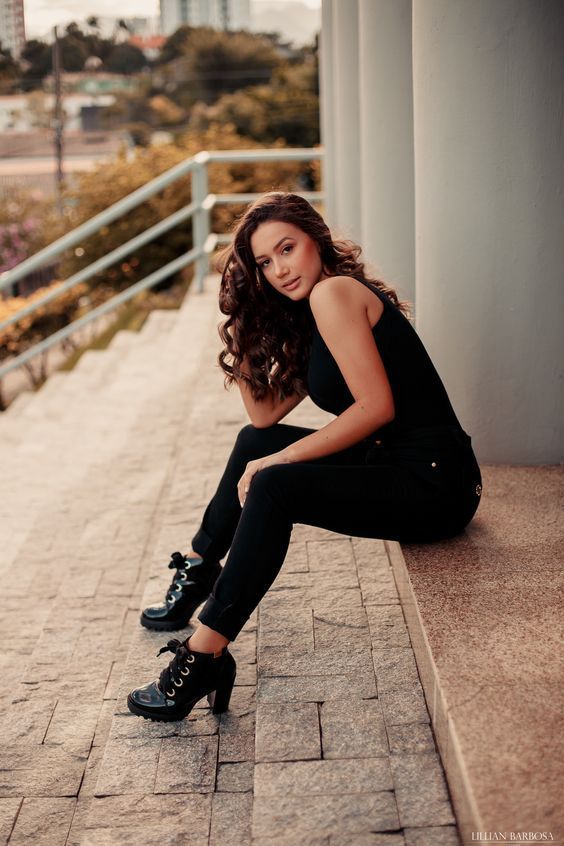
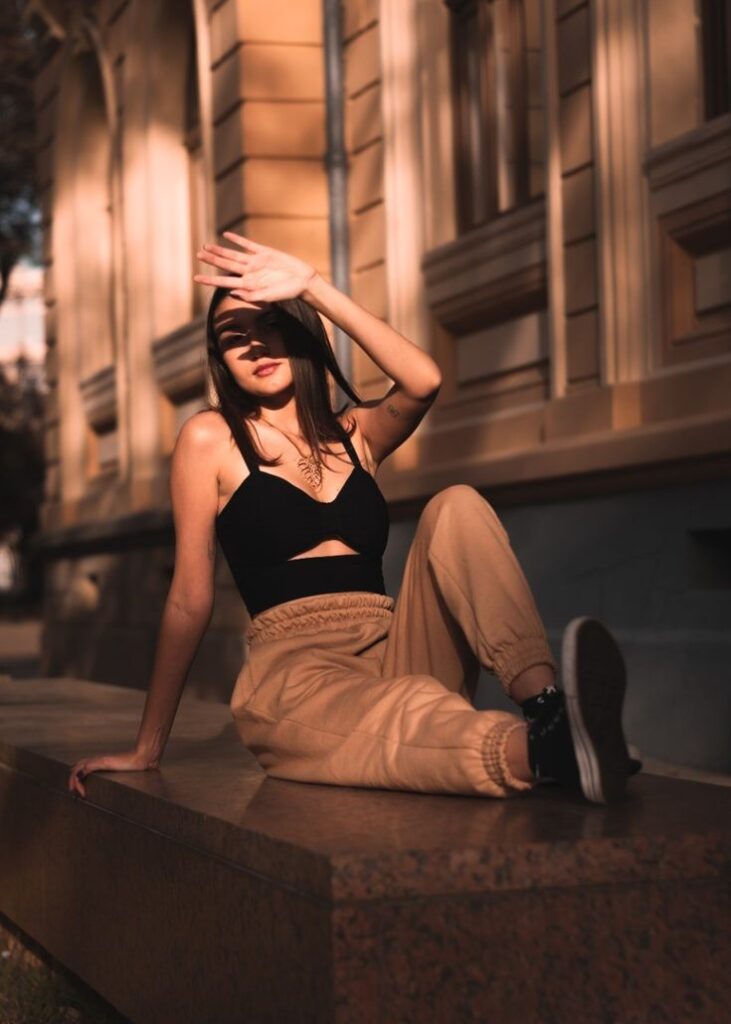
- Golden Hour: Soft, warm, and diffused sunlight enhances portraits.
- Overcast Days: Natural diffusion eliminates harsh shadows.
- Studio Lighting: Allows full control over shadows and highlights.
Key Lighting Techniques
- Rembrandt Lighting: A signature triangle of light on the shadowed side of the face.
- Butterfly Lighting: A flattering technique with soft shadows under the nose.
- Split Lighting: Creates dramatic contrast by lighting only half of the face.
- Loop Lighting: A natural and flattering style, casting a small nose shadow.
4. Posing Techniques for Stunning Portraits
Basic Posing Rules
- Keep shoulders relaxed.
- Guide the subject’s chin slightly forward to define the jawline.
- Avoid stiff or forced poses; opt for natural movements.
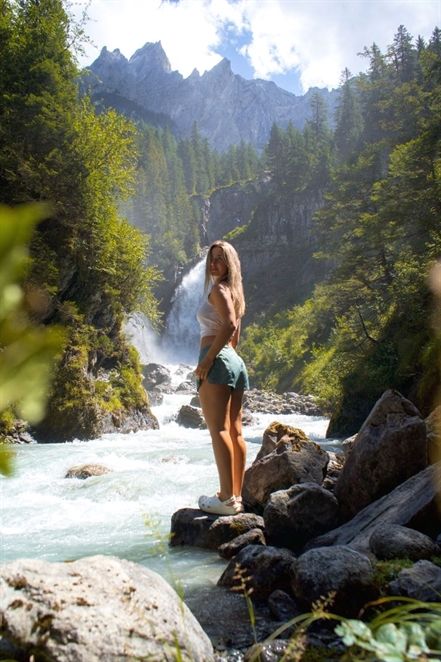
Pose Ideas for Different Portrait Styles
- Classic Portrait: A slight head tilt and soft eye contact.
- Candid Portraits: Capture genuine laughter and emotions.
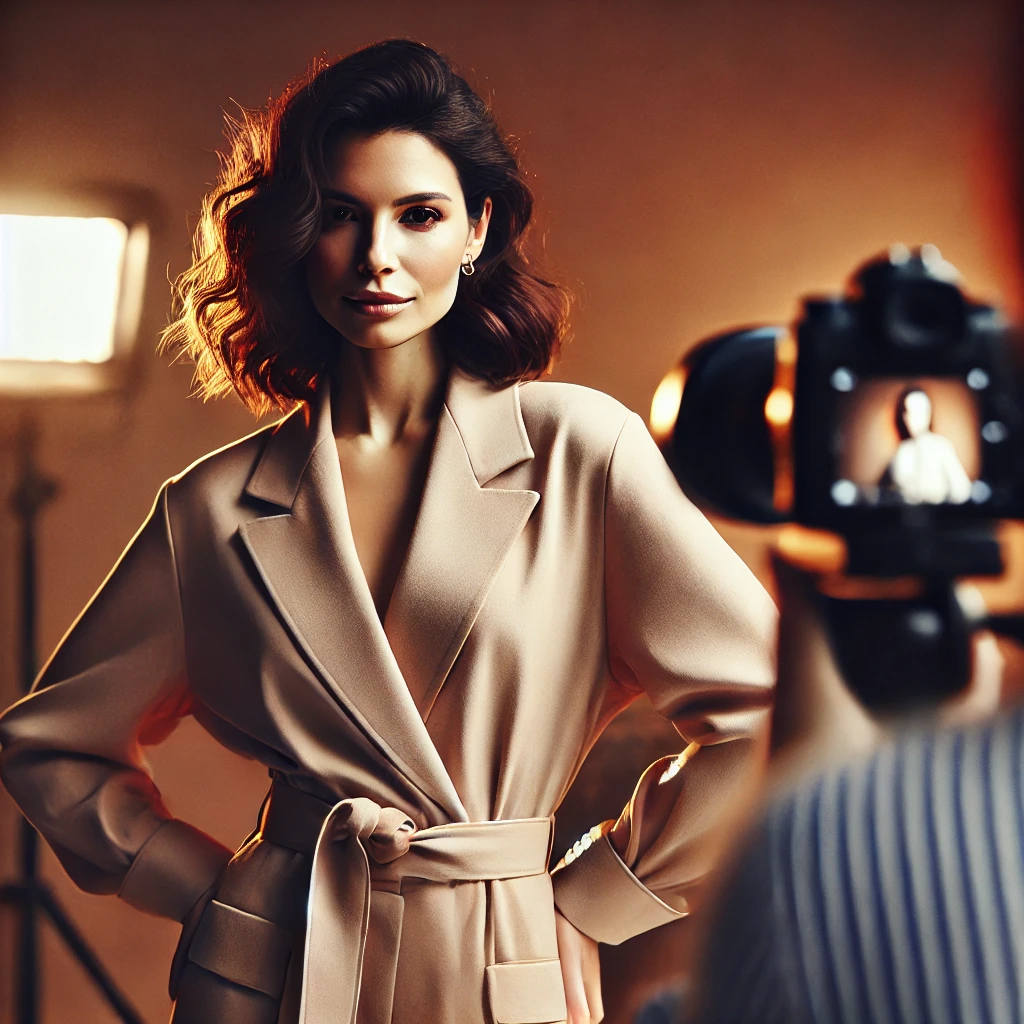
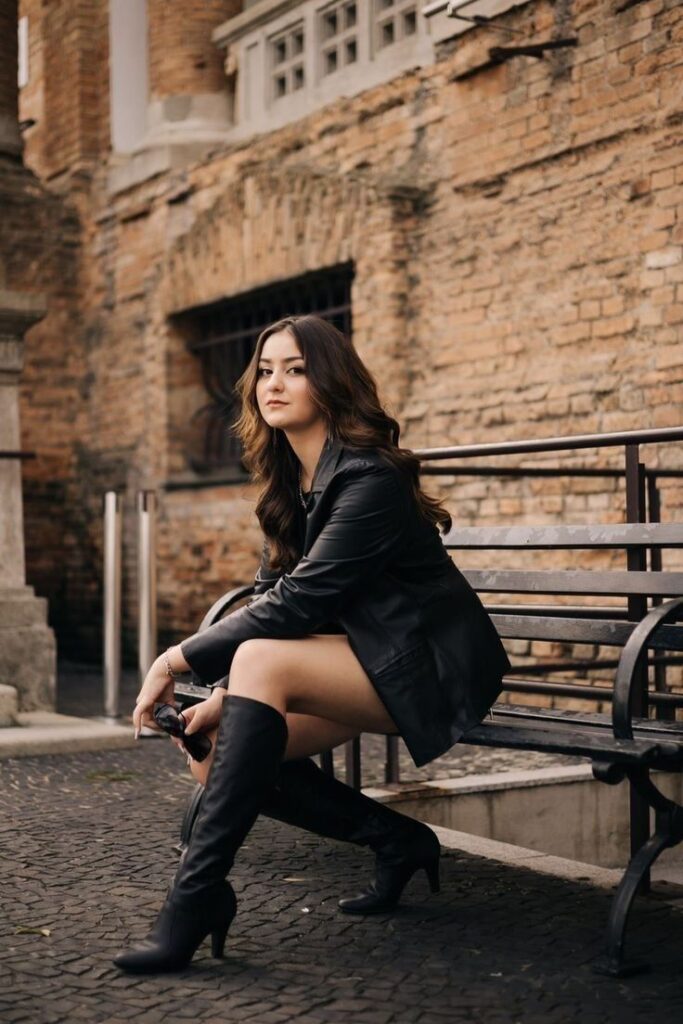
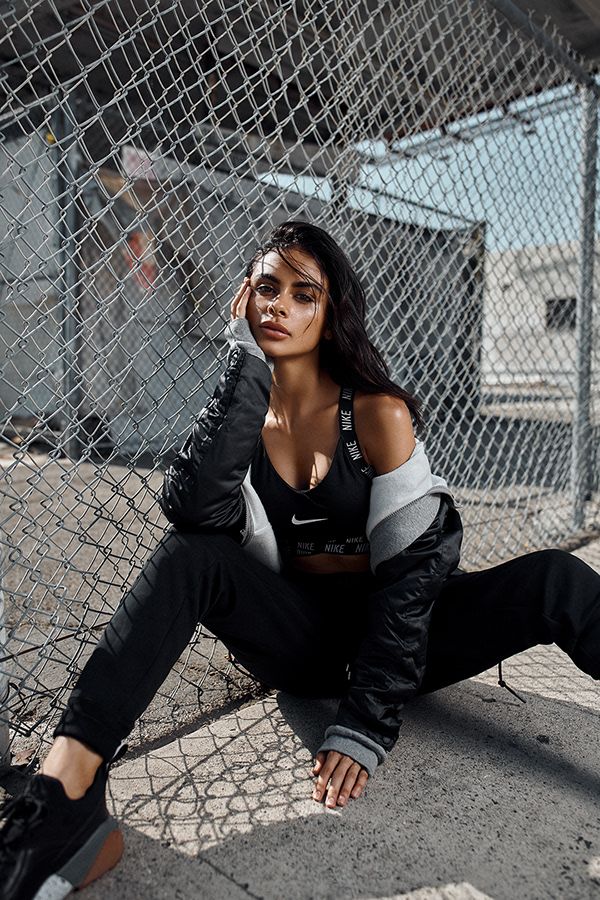
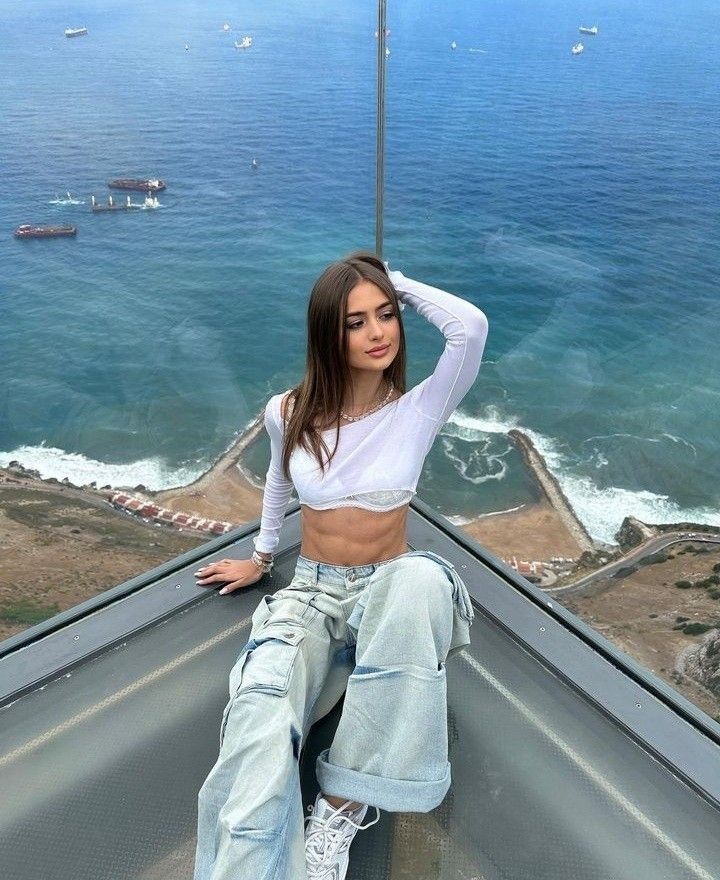
- Editorial Pose: Strong, confident, and magazine-style composition.
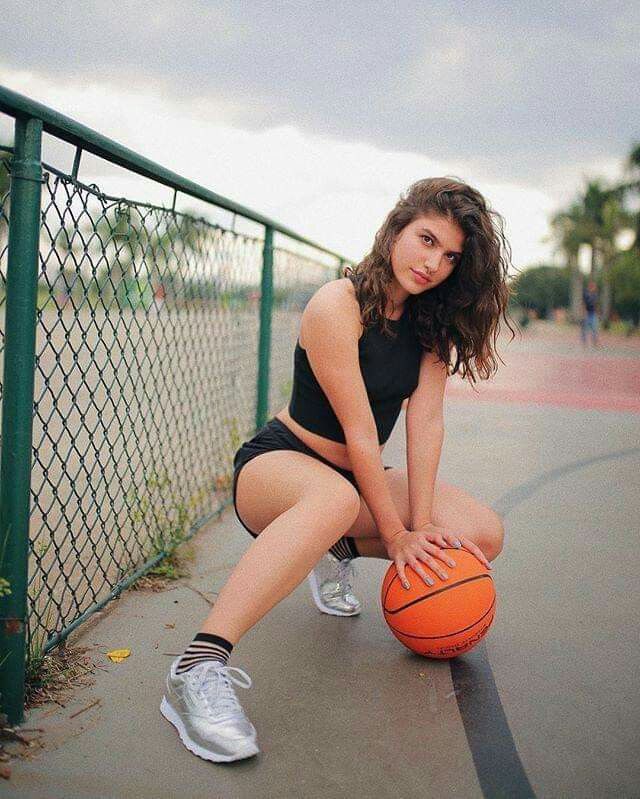
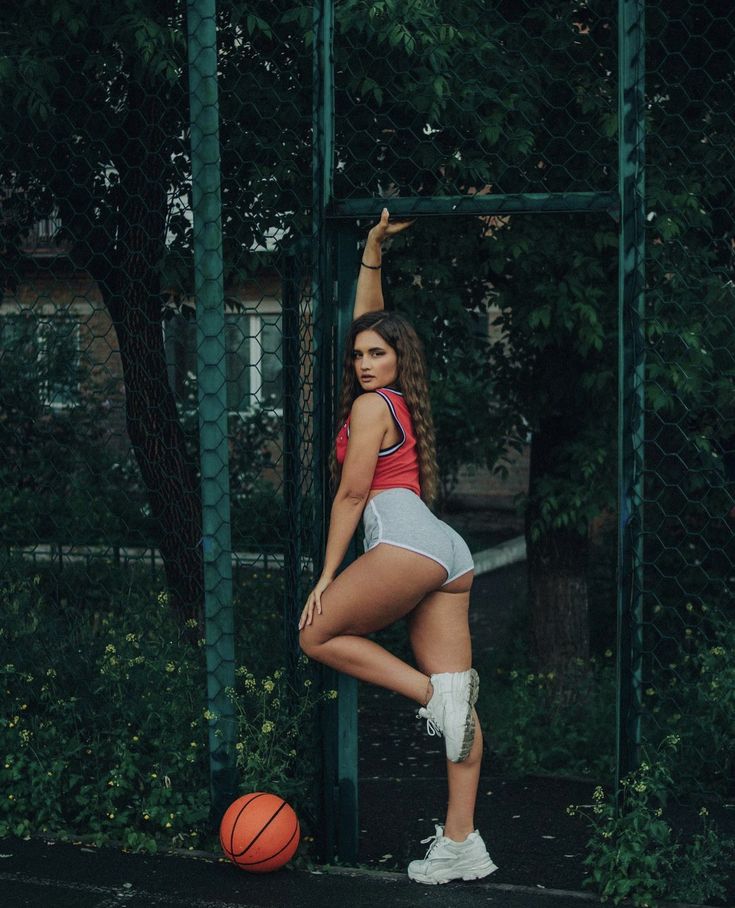
- Action Pose: Movement-based shots like walking or playing with hair.
5. Mastering Composition for Impactful Portraits
Rule of Thirds
Position the subject off-center to create a visually dynamic composition.
Leading Lines
Use elements like pathways, fences, or architectural structures to draw attention to the subject.
Negative Space
Incorporate empty space to add emphasis and drama to the portrait.
Depth and Layering
Use foreground elements to add depth and create a three-dimensional feel.
6. Camera Settings for Perfect Portraits
Aperture Settings
- f/1.8 – f/2.8: Ideal for soft backgrounds (bokeh effect).
- f/5.6 – f/8: Keeps both the subject and background slightly in focus.
Shutter Speed & ISO
- 1/125s or faster: Prevents motion blur.
- ISO 100-400: Keeps images noise-free while maintaining detail.
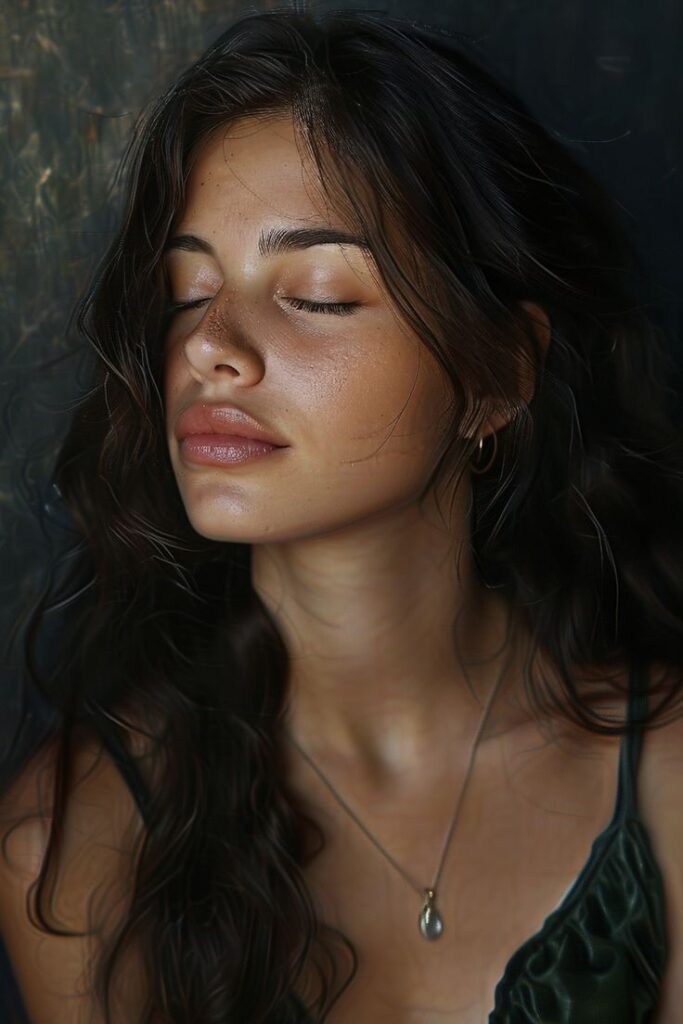
7. Post-Processing and Editing Portraits
Essential Editing Techniques
- Color Correction: Adjusting tones to enhance warmth and realism.
- Skin Retouching: Smoothing out blemishes while keeping texture.
- Dodge and Burn: Enhancing highlights and shadows for depth.
- Sharpening & Noise Reduction: Maintaining detail while reducing graininess.
8. Storytelling in Portrait Photography
Capturing Authenticity
- Engage in conversation to capture natural expressions.
- Use prompts instead of strict posing.
Creating a Mood Board
- Gather inspiration from art, fashion, and film.
- Plan themes, wardrobe, and backdrops in advance.
9. Building a Strong Portfolio
Showcase Variety
- Include different styles, lighting techniques, and compositions.
Create a Personal Brand
- Develop a signature style that sets you apart.
- Maintain consistency across social media and websites.
Networking and Collaboration
- Work with models, stylists, and makeup artists.
- Engage in collaborative projects to expand your reach.
10. Tips for Professional Growth in Portrait Photography
Keep Learning
- Attend workshops and online courses.
- Study works of famous portrait photographers.
Experiment with New Techniques
- Play with creative lighting setups.
- Try unconventional poses and compositions.
Engage with Clients
- Communicate effectively to make them comfortable.
- Direct them subtly for more relaxed and natural expressions.
Conclusion
Mastering the art of portrait photography requires practice, patience, and a keen artistic eye. By focusing on lighting, posing, composition, and storytelling, you can create compelling portraits that leave a lasting impact. Keep refining your skills, stay inspired, and let your creativity shine through every shot!
-
Best AI Photo Editors for Batch Editing in 2026: 6 Top Tools
-

Best AI RAW Photo Editing Software in 2026
-

Best AI Sharpening Software for Blurry Photos in 2026
-

Best AI Photography Software: 25 Powerful Tools for Every Photographer
-
Best AI Photo Editors for Batch Editing in 2026: 6 Top Tools
Discover the best AI photo editors for batch editing in 2026. Compare Lightroom, Aftershoot, Narrative Select, Luminar Neo, and more.
-
Best AI RAW Photo Editing Software in 2026
Discover the best AI RAW photo editing software in 2026. Compare Lightroom, ON1, DxO, Capture One, and Luminar Neo for RAW editing, noise reduction, masking, and sharpening.
-
Best AI Sharpening Software for Blurry Photos in 2026
Discover the best AI sharpening software for blurry photos in 2026. Compare Topaz, Lightroom, Photoshop, ON1, Luminar and more for restoring image detail.
-
Best AI Photography Software: 25 Powerful Tools for Every Photographer
Discover the best AI photography software for editing, culling, retouching, image enhancement, album design, SEO, and workflow automation. Compare 25 powerful AI tools for photographers in 2026.
-
AfterShoot vs Narrative Select: Which AI Photo Culling Software Is Better in 2026?
Compare AfterShoot vs Narrative Select for AI photo culling. Explore features, pricing, speed, accuracy, workflow, pros, cons, and discover which tool is best for photographers in 2026.
-
ChatGPT for Photographers: 50+ Ways to Save Time & Grow Your Business
Discover how photographers can use ChatGPT to save time, write marketing content, improve SEO, automate workflows, communicate with clients, and grow their photography business with practical examples and prompts.



Leave a Reply