

In the ever-growing world of eCommerce, first impressions matter more than ever. The quality of your product images can make or break a sale. For beginners venturing into product photography, mastering the art of creating captivating and professional images can significantly impact your business’s success. This guide is designed to help you navigate the essentials of eCommerce product shoots, offering step-by-step advice, actionable tips, and insights into creating images that convert.
Table of Contents
Introduction
In the ever-growing world of eCommerce, first impressions matter more than ever. The quality of your product images can make or break a sale. For beginners venturing into product photography, mastering the art of creating captivating and professional images can significantly impact your business’s success. This guide is designed to help you navigate the essentials of eCommerce product shoots, offering step-by-step advice, actionable tips, and insights into creating images that convert.
Why Trust The Candid Shoot?
At The Candid Shoot, we publish practical photography guides based on real-world shooting techniques, camera knowledge, lighting setups, and post-processing workflows. Our goal is to simplify photography concepts so beginners, hobbyists, creators, and professionals can capture better images with confidence.
Every guide is carefully reviewed and updated to reflect current photography trends, camera technology, AI-powered editing tools, and industry best practices. Whenever relevant, we reference trusted photography resources and official manufacturer documentation to ensure our recommendations remain accurate and reliable.
Whether you’re photographing products for an online store, social media, Amazon listings, or personal projects, our tutorials are designed to help you improve image quality while making informed equipment and workflow decisions.
Quick Answer
Product photography is the process of creating high-quality images that accurately showcase a product’s appearance, features, and details. Effective product photography combines proper lighting, composition, camera settings, backgrounds, and editing techniques to produce professional images that increase customer trust and improve online sales.
Learn More About Product Photography
If you’re looking to master product photography from beginner to advanced level, don’t miss our complete guide:
👉 Powerful Product Photography Secrets for Photos
Inside this comprehensive guide, you’ll learn:
- Camera settings for product photography
- Lighting techniques for every budget
- Background selection
- Composition tips
- Lens recommendations
- Editing workflow
- AI tools for product photography
- Studio setup ideas
- Photography mistakes to avoid
- Professional workflow from planning to final image
This pillar guide connects all of our product photography tutorials in one place, making it the perfect starting point for beginners and experienced photographers alike.
Why Product Shoots Matters in eCommerce
1. Creating a Strong First Impression
Your product image is often the first interaction a potential customer has with your brand. High-quality visuals can establish credibility, spark interest, and encourage further exploration.
- Building Trust: Clear, professional images make your brand appear reliable and trustworthy.
- Grabbing Attention: Unique and well-composed photos stand out in crowded marketplaces.
- Setting Expectations: Accurate images help manage customer expectations, reducing returns and complaints.
2. Driving Sales Through Visual Appeal
Studies show that over 75% of online shoppers consider product images to be a decisive factor in their purchasing decisions.
- Highlighting Features: Professional images emphasize product details that text descriptions may overlook.
- Storytelling: Images that convey how a product fits into a lifestyle can resonate emotionally with customers.
- Inspiring Confidence: Detailed visuals eliminate doubts, encouraging immediate purchases.

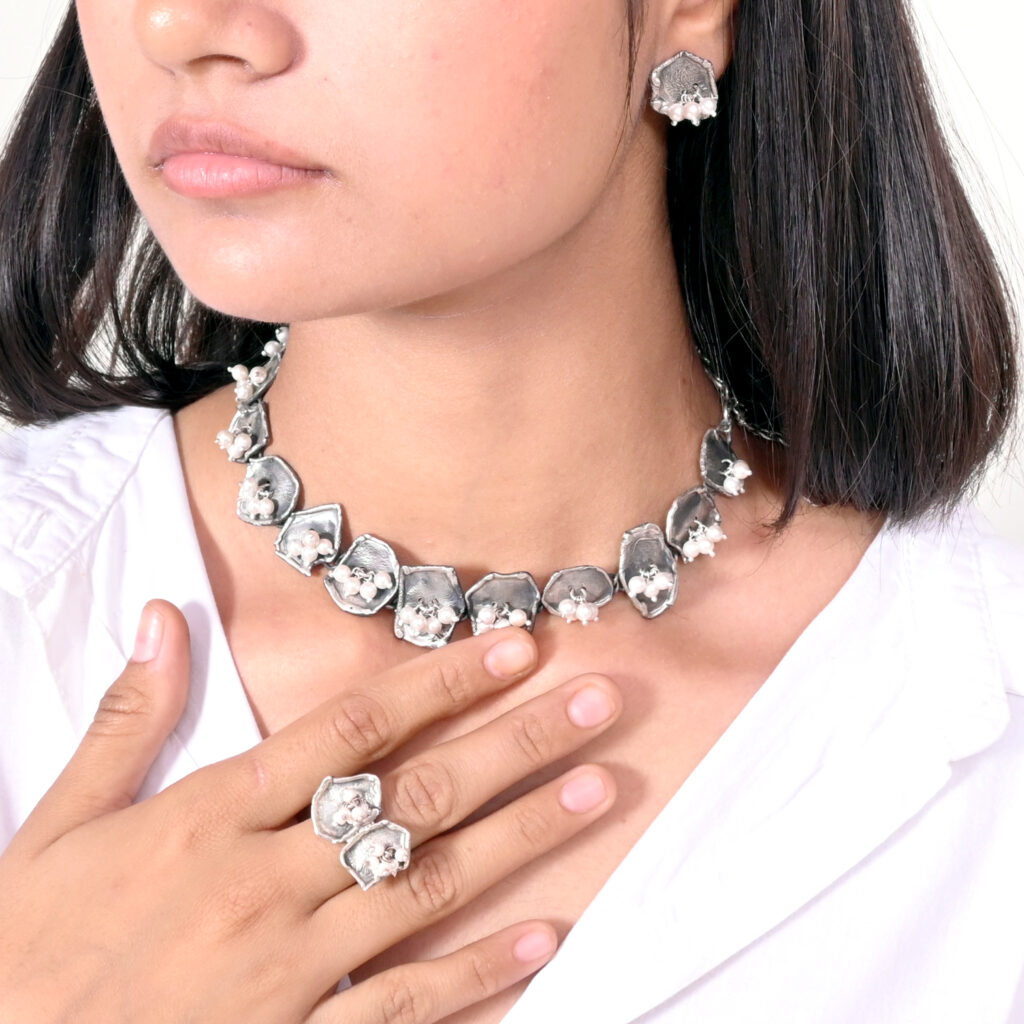

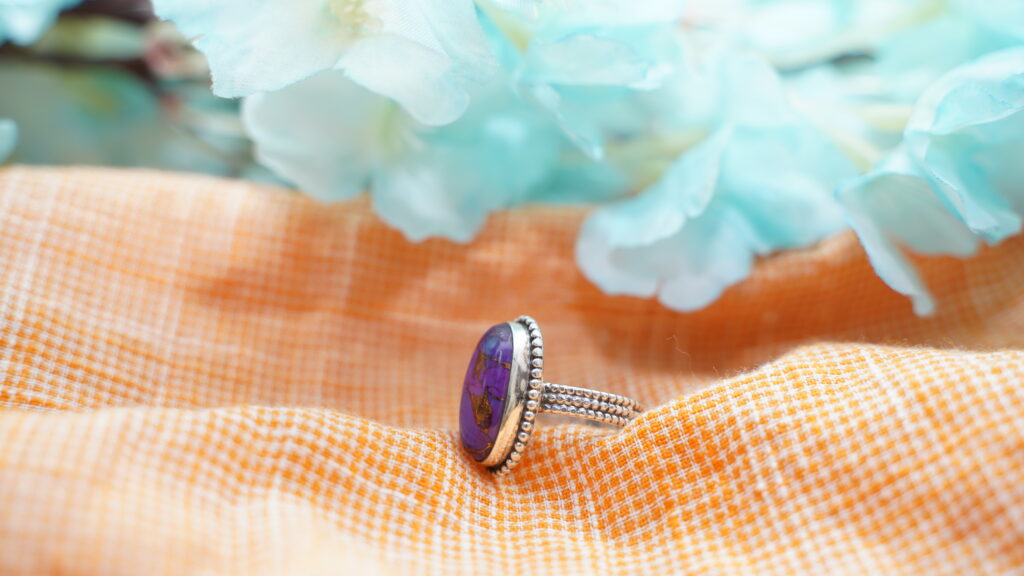
Essential Equipment for Product Shoots
1. Camera Options
You don’t need the most expensive gear to capture great product photos. Beginners can start with budget-friendly options and upgrade as needed.
- DSLR or Mirrorless Cameras: These offer superior image quality, manual controls, and lens versatility.
- Smartphone Cameras: Modern smartphones have advanced cameras capable of producing sharp, high-resolution images.
2. Lighting Essentials
Lighting is crucial for capturing the true essence of your product. Poor lighting can make even the best products look unappealing.
- Natural Light: Ideal for beginners, natural light is free and adds warmth to your images.
- Artificial Lighting: Invest in softbox lights or LED panels for consistent and professional results.
- Reflectors: Use these to bounce light and eliminate harsh shadows.
3. Tripods and Stabilizers
Stability is key to achieving sharp, focused images.
- Tripods: A basic tripod is essential for maintaining consistency in framing and reducing motion blur.
- Smartphone Mounts: Affordable mounts ensure steady shots for smartphone photography.
4. Backdrops and Surfaces
A clean, neutral background keeps the focus on the product.
- White Backdrops: Perfect for creating professional, distraction-free images.
- Textured Surfaces: Add depth and context for lifestyle or flat-lay photography.
Pre-Shoot Preparation
1. Planning Your Shoot
Proper planning minimizes mistakes and maximizes efficiency.
- Define Objectives: Determine the purpose of your shoot—are you aiming for catalog images, social media posts, or lifestyle shots?
- Create a Shot List: Outline the angles, perspectives, and details you need to capture for each product.
- Research Competitors: Analyze successful brands in your niche for inspiration and ideas.
2. Preparing Your Product Shoots
Products should look their best before the shoot.
- Clean and Polish: Ensure products are spotless and free of fingerprints or dust.
- Assemble Props: Use relevant props to add context or enhance the product’s appeal.
- Check for Flaws: Inspect items for defects or damages to avoid re-shoots.
3. Setting Up Your Studio
A simple home setup can deliver professional results with careful arrangement.
- Lighting Position: Place lights at angles that minimize shadows and highlight product features.
- Backdrop Setup: Secure your background to ensure it remains wrinkle-free and consistent.
- Camera Placement: Position the camera at eye level with the product for a natural perspective.

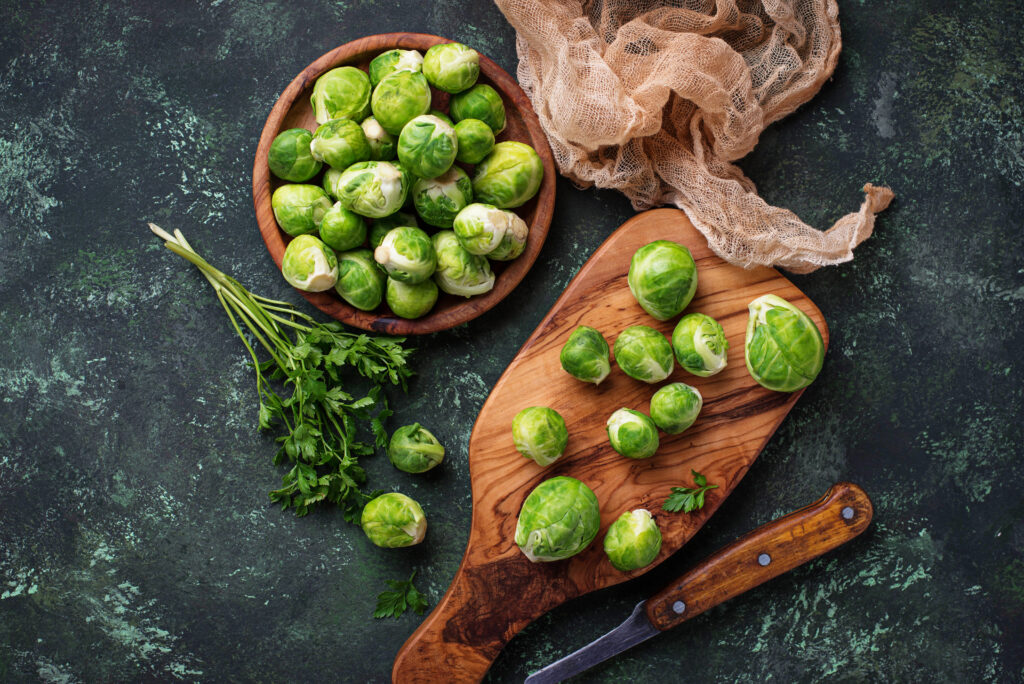
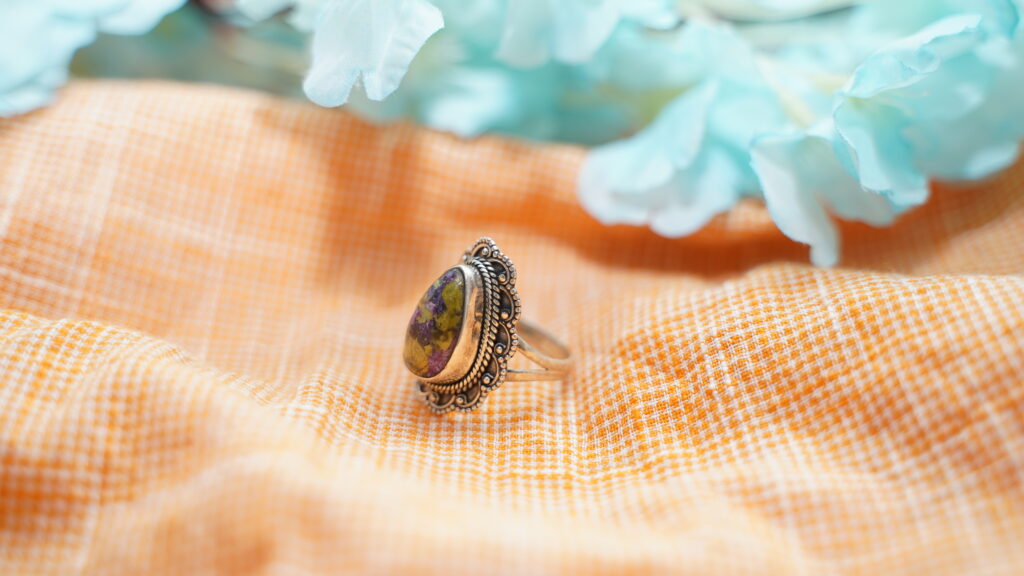
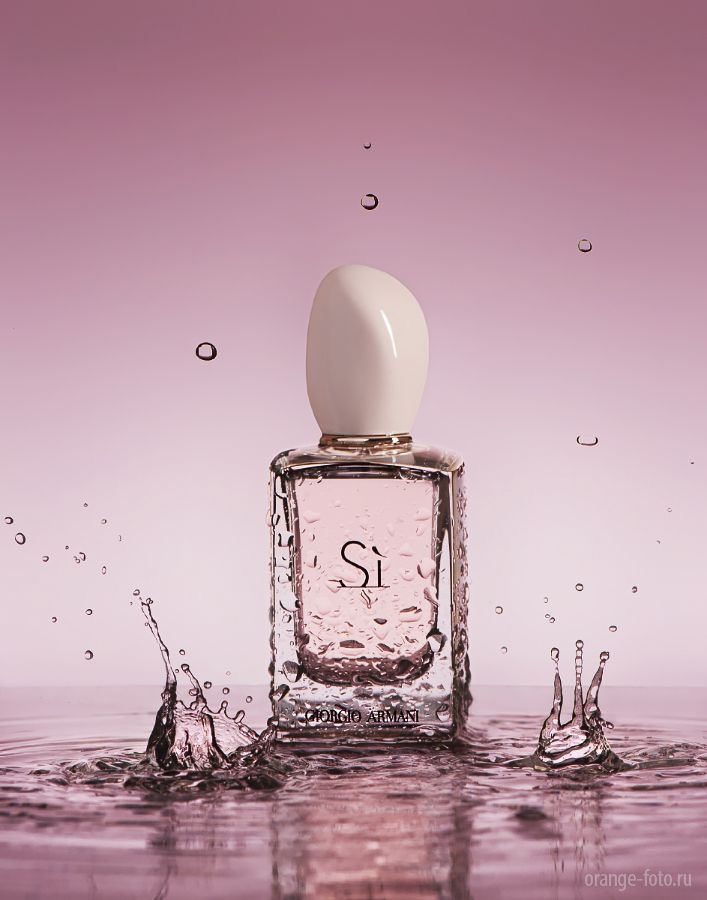
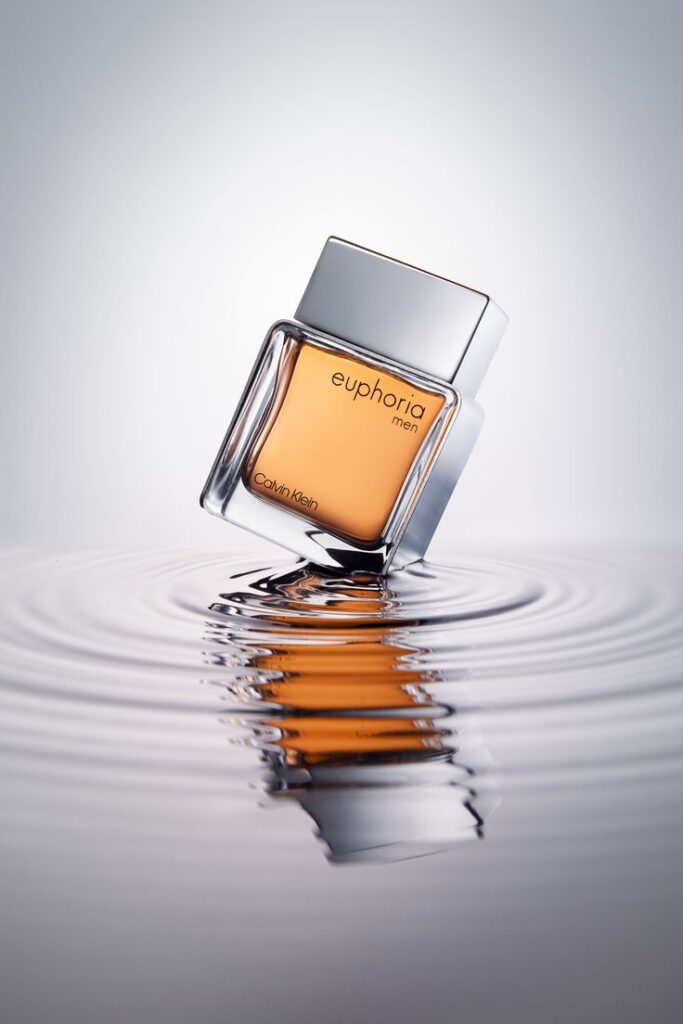


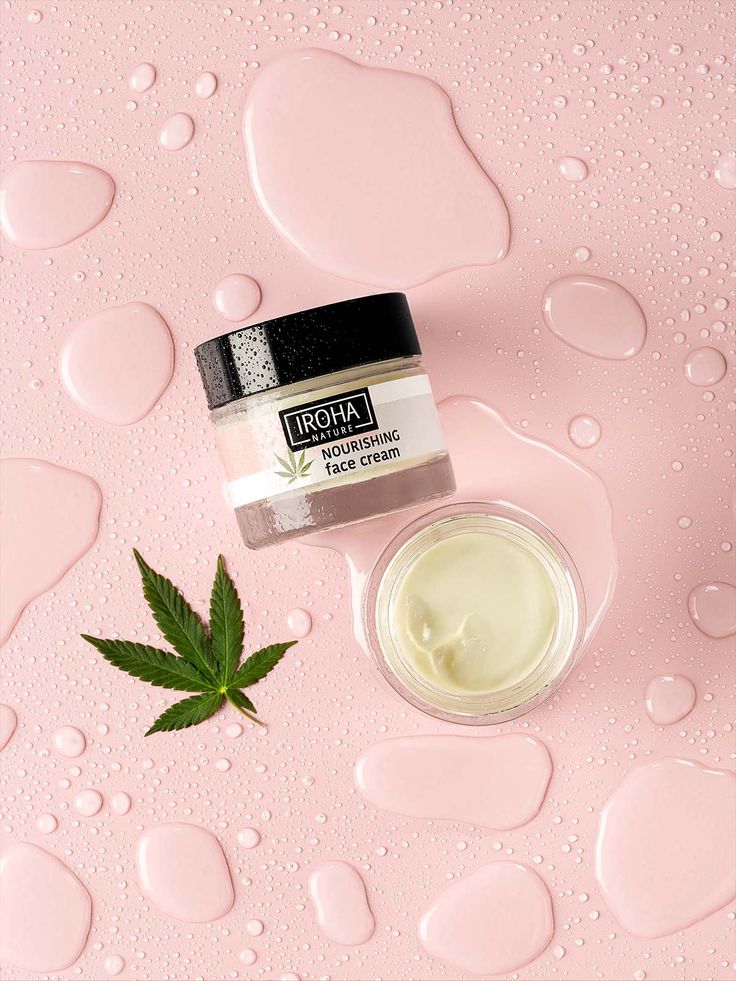

Executing the Perfect Product Shoots
1. Mastering Composition
Composition determines how your product is perceived.
- Rule of Thirds: Divide your frame into thirds to create a balanced, visually appealing layout.
- Center Focus: Centering works well for single-product shots, emphasizing the subject.
- Negative Space: Leave space around the product for a clean and uncluttered look.
2. Capturing Multiple Angles
Showcase every aspect of your product to give customers a complete view.
- Front View: Highlight the most prominent features.
- Side and Rear Views: Provide a comprehensive understanding of the product’s design.
- Close-Ups: Focus on intricate details, textures, or unique selling points.
3. Incorporating Lifestyle Shots
Lifestyle photography brings your product to life by showing it in real-world scenarios.
- Add Context: Showcase the product being used by a person or within a setting.
- Highlight Versatility: Demonstrate how the product integrates seamlessly into different lifestyles.
- Evoke Emotion: Use props, lighting, and settings to create a relatable story.
Post-Production and Optimization
1. Editing Your Photos
Editing enhances the quality and appeal of your images.
- Basic Adjustments: Correct exposure, contrast, and color balance.
- Remove Imperfections: Use tools like Adobe Photoshop to clean up any flaws or distractions.
- Maintain Realism: Ensure edits don’t misrepresent the product.
2. Optimizing for eCommerce Platforms
Every platform has unique requirements for images.
- Resolution and Size: Compress images without sacrificing quality to improve page load times.
- File Format: Use JPEG or PNG for optimal compatibility.
- SEO Tags: Add descriptive filenames and alt text for better search engine visibility.
Common Mistakes to Avoid
1. Neglecting Lighting
Poor lighting can ruin even the best compositions. Always prioritize proper illumination.
2. Overediting Images
Excessive editing can distort colors and misrepresent the product.
3. Ignoring Platform Guidelines
Familiarize yourself with the image requirements of each eCommerce platform to avoid rejections or poor performance.
4. Failing to Test Shots
Review each image during the shoot to catch issues before proceeding.
The Role of Product Shoots in Brand Identity
1. Establishing Consistency
Consistent visuals create a cohesive and professional brand image.
- Unified Style: Use similar lighting, angles, and editing across all images.
- Brand Guidelines: Develop a photography style guide to ensure uniformity.
2. Building Emotional Connections
Images that resonate with your audience’s lifestyle and aspirations strengthen brand loyalty.
3. Differentiating from Competitors
Unique and high-quality photos set your brand apart in a crowded market.
Conclusion: Start Your Product Photography Journey Today
A well-executed product shoot can elevate your eCommerce business, attracting more customers and driving sales. By investing time and effort into mastering the fundamentals of product photography, you set yourself up for long-term success.
Remember, the key is to experiment, learn, and continuously refine your skills. Whether you’re using a smartphone or a DSLR, the principles of lighting, composition, and storytelling remain the same. Start small, stay consistent, and watch as your brand flourishes with the power of compelling visuals.
FAQ:
1. What is product photography?
Product photography is the process of photographing products in a way that highlights their features, quality, and design. High-quality product photos help businesses increase customer trust, improve conversions, and reduce product returns.
2. What equipment is best for product photography?
For most products, you’ll need:
A camera or modern smartphone
A tripod
Softbox or LED lighting
White or colored background
Reflectors or diffusers
Basic photo editing software
Professional equipment can improve quality, but proper lighting is usually more important than an expensive camera.
3. What lighting is best for product photography?
Soft, diffused lighting is generally the best choice because it minimizes harsh shadows and accurately represents product colors. Softboxes, LED panels, and natural window light are commonly used depending on the shooting environment.
4. How can I improve product photography for eCommerce?
To improve eCommerce product photos:
Use consistent lighting
Keep backgrounds clean
Photograph multiple angles
Show product details and textures
Maintain accurate colors
Optimize image size for faster website loading
Edit images without making the product look unrealistic
5. Can I use a smartphone for product photography?
Yes. Modern smartphones can produce professional-looking product photos when paired with good lighting, a stable tripod, and proper editing. For many small businesses, a smartphone is an excellent starting point before investing in dedicated camera equipment.
6. Why is product photography important for online sales?
Customers cannot physically inspect products online. High-quality product images build trust, improve user experience, increase click-through rates, and often lead to higher conversion rates while reducing product returns.
7. Can AI improve product photography?
Yes. AI tools can remove backgrounds, enhance image quality, improve lighting, generate realistic backgrounds, resize images for different marketplaces, and automate editing workflows. AI should be used to enhance product photos while keeping them accurate and representative of the actual product.
8. What image size is best for product photography websites?
The ideal image size depends on the platform, but most websites perform well with:
JPEG or WebP format
1200–2000 pixels on the longest side
Compressed images under 300 KB when possible
Proper alt text for accessibility and SEO
Related Product Photography Guides
Continue improving your photography skills with these helpful resources:
- Product Photography Lighting Guide
- Best Cameras for Product Photography
- DIY Product Photography Setup at Home
- White Background Product Photography Tips
- Product Photography Camera Settings Explained
- Best Lenses for Product Photography
- AI Product Photography Tools
- Product AI Photo Editing Guide
- Photography Tutorials for Beginners
Recommended Resources
Improve Your Product Photography Skills
Photography is a skill that improves with practice. Try experimenting with different lighting setups, camera angles, and editing techniques to discover what works best for your products. Even small improvements in composition and lighting can make your images look significantly more professional.
If you enjoyed this guide, explore more tutorials on The Candid Shoot to continue improving your photography s





Leave a Reply